Buying Guide
Best UPS Battery Backup for Gaming PCs in 2026

TL;DR
Protect your gaming PC and components from power surges and outages. The CyberPower CP1500AVRLCD and APC BR1500MS2 are the two best options — here's how to choose.
A UPS (uninterruptible power supply) is the most underrated PC accessory. It’s not sexy, but when the power flickers during a ranked match or a brownout corrupts your save file, you’ll be glad you have one.
Quick Answer
Best value: CyberPower CP1500AVRLCD ($190) — 1500VA/900W, AVR, LCD display, 12 outlets. Best for most gaming PCs.
Best for high-end PCs: APC Back-UPS Pro BR1500MS2 ($260) — same 1500VA/900W but with pure sine wave output. Essential if your PSU has Active PFC.
The Active PFC Question
This is the most important factor in choosing a UPS for a gaming PC:
Active PFC power supplies (found in most 80+ Gold, Platinum, and Titanium rated PSUs) can have compatibility issues with simulated sine wave UPS units. When the power cuts and the UPS switches to battery, an Active PFC PSU may see the simulated sine wave as “bad power” and shut the PC off immediately — defeating the entire purpose.
How to check: Look at your PSU’s spec sheet. If it says “Active PFC” or “PFC: Active”, get a pure sine wave UPS. If you’re not sure, the pure sine wave APC BR1500MS2 is the safe choice.
CyberPower CP1500AVRLCD vs. APC BR1500MS2
| Feature | CyberPower CP1500AVRLCD | APC BR1500MS2 |
|---|---|---|
| Capacity | 1500VA / 900W | 1500VA / 900W |
| Waveform | Simulated sine | Pure sine |
| Outlets | 12 (6 battery) | 10 (6 battery) |
| USB Charging | 1x USB-A | USB-C + USB-A |
| AVR | Yes | Yes |
| Display | LCD | LCD |
| Price | ~$190 | ~$260 |
What a UPS Protects Against
- Power surges: Voltage spikes from lightning or grid switching that can fry your GPU, motherboard, or PSU
- Brownouts: Voltage dips that cause instability, crashes, and potential data corruption
- Blackouts: Complete power loss — the UPS gives you 8-15 minutes to save and shut down
- Dirty power: Noise and fluctuations that degrade components over time
How Much Runtime Do You Get?
| Gaming PC Load | CyberPower CP1500 | APC BR1500MS2 |
|---|---|---|
| 200W (idle/light use) | ~20 minutes | ~25 minutes |
| 400W (gaming) | ~10 minutes | ~12 minutes |
| 600W (heavy load) | ~5 minutes | ~6 minutes |
This isn’t designed for gaming through an outage — it’s designed for a graceful shutdown. Save your game, close your apps, and shut down properly.
The Bottom Line
Every gaming PC should have a UPS. If your PSU is 80+ Bronze or below, the CyberPower CP1500AVRLCD at $190 is the best value. If your PSU is 80+ Gold or above (Active PFC), spend the extra $70 for the APC BR1500MS2 and its pure sine wave output. Either way, it’s cheap insurance for expensive hardware.
Recommended Power Stations
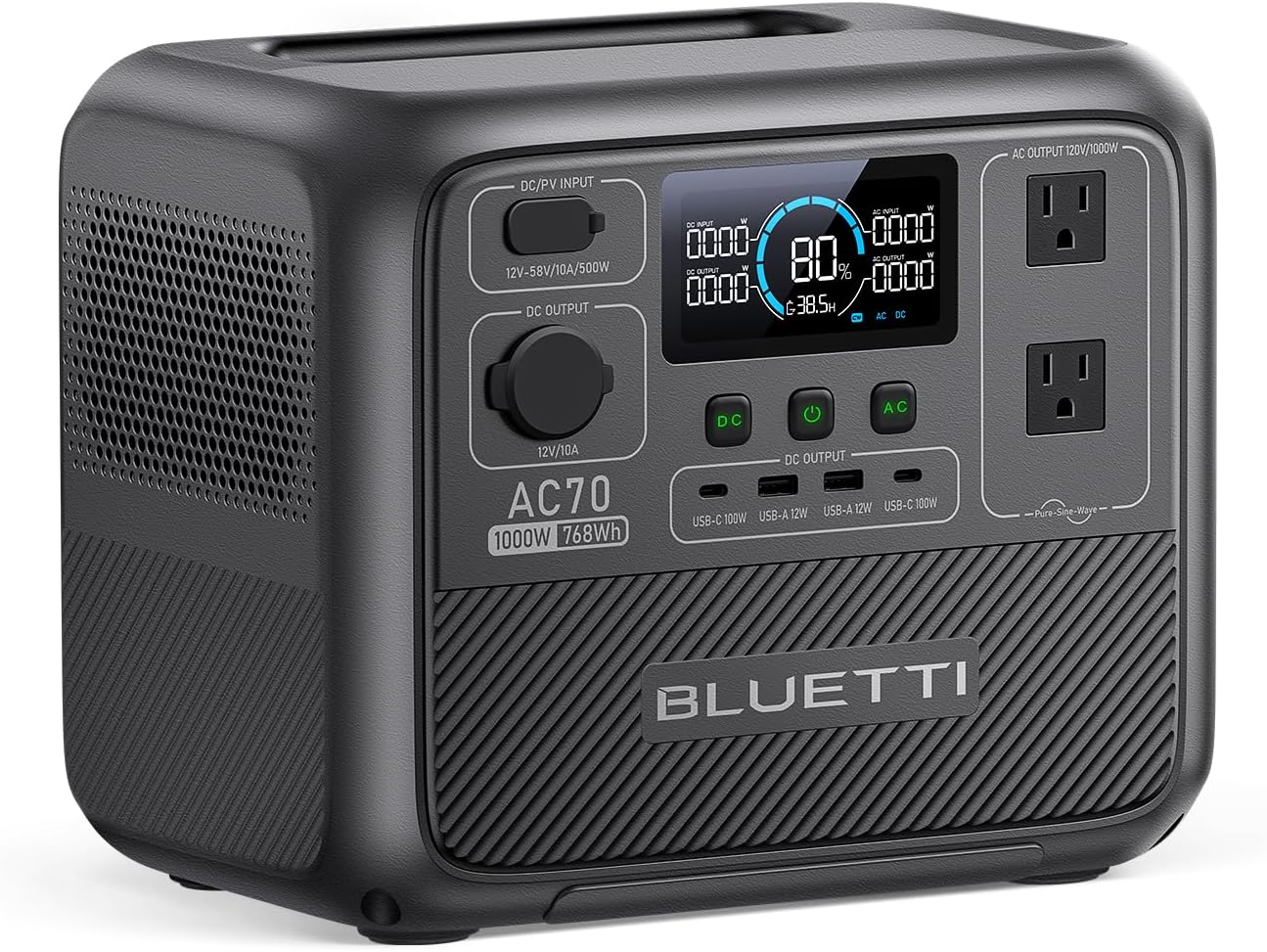
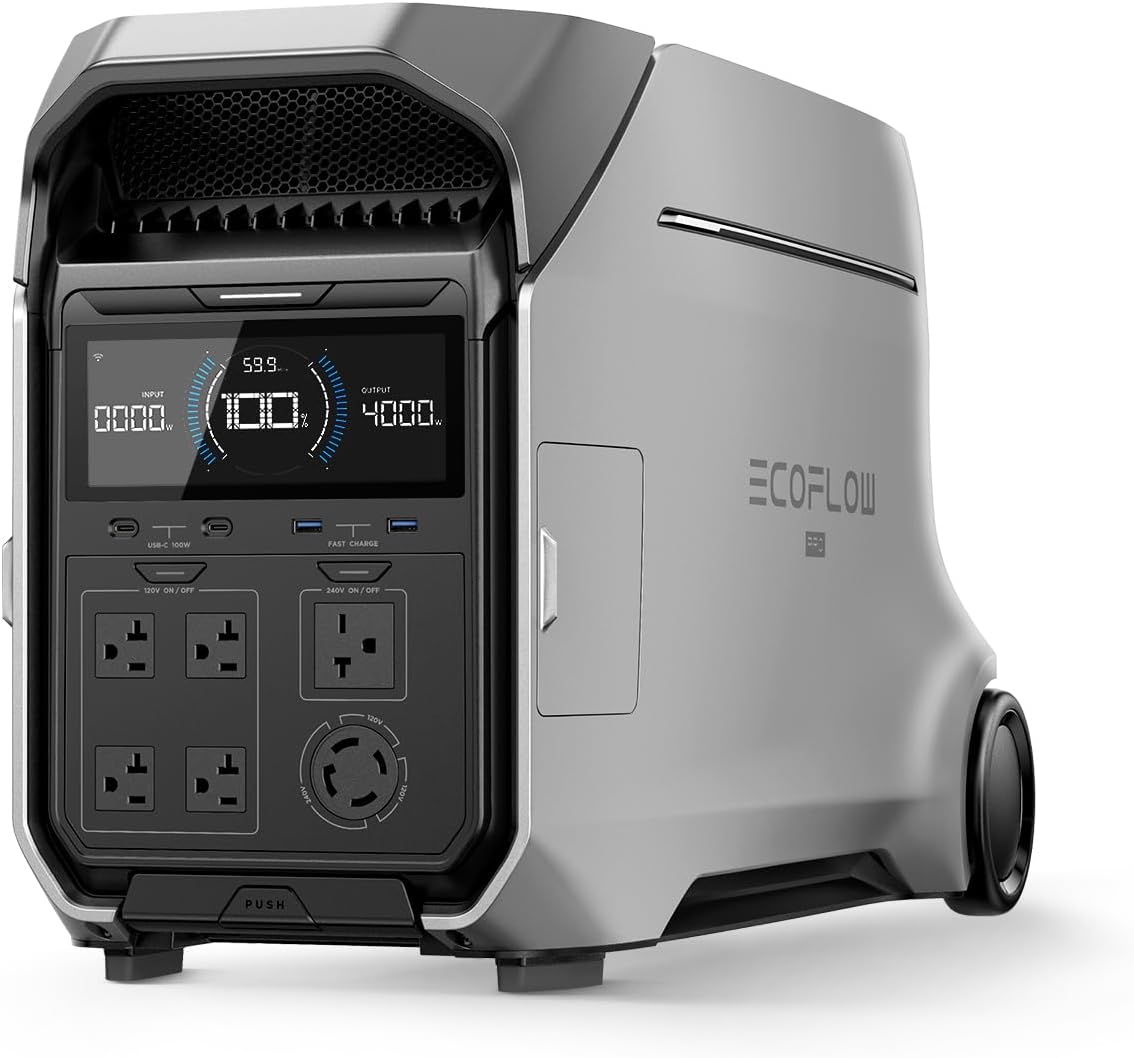
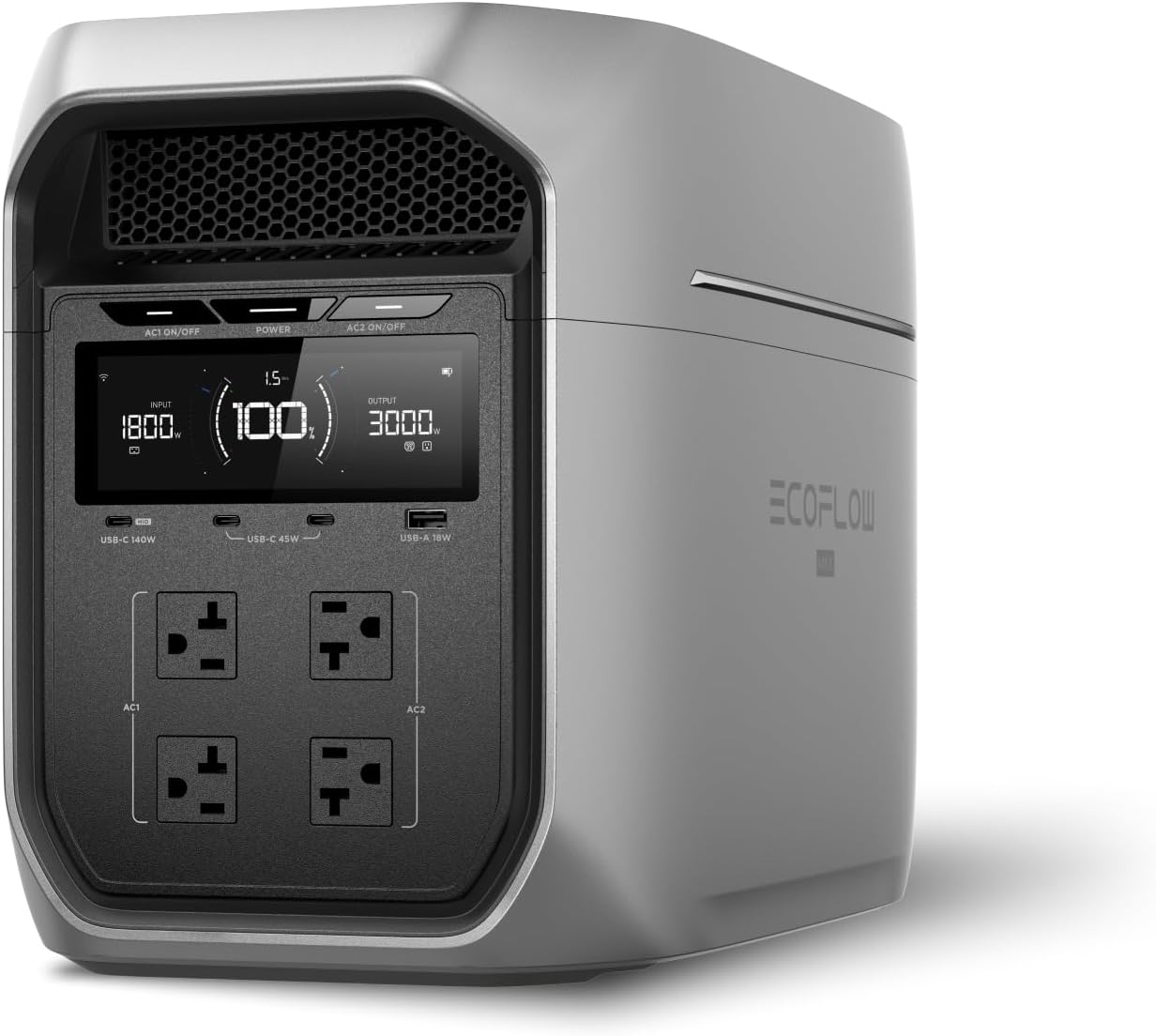
EcoFlow
EcoFlow DELTA 3 Plus
EcoFlow's newest mid-range flagship. The DELTA 3 Plus improves on the Delta 2 with faster charging, LiFePO4 chemistry, and UPS functionality — all at a lower price.
Frequently Asked Questions
Do I need a UPS for my gaming PC?
Yes, if you value your hardware and data. A single power surge can destroy a graphics card, motherboard, or SSD. A UPS protects against surges, brownouts, and complete outages — giving you time to save your game and shut down safely. At $190-$260, it's cheap insurance for a $1,000+ gaming setup.
What size UPS do I need for a gaming PC?
A 1500VA/900W UPS is sufficient for most gaming PCs. A typical gaming desktop draws 300-500W under load (including monitor). A 1500VA UPS provides 8-15 minutes of backup at that load — enough to save and shut down. Only extreme setups (4090 + overclocked i9 + multiple monitors) might need 2000VA+.
Does a UPS need pure sine wave for a gaming PC?
It depends on your power supply. If your PSU has Active PFC (most 80+ Gold and above PSUs do), a simulated sine wave UPS can cause issues — the PC may shut off instantly on battery switch. A pure sine wave UPS like the APC BR1500MS2 ($260) eliminates this risk entirely.
Ready to Buy? Here's What We Recommend
Based on our testing and this guide, these are the best options for most people: