⚡ The Power Pick

Best UPS Battery Backup Systems of 2026: Buyer's Guide

A UPS (uninterruptible power supply) is cheap insurance for your expensive electronics. When the power flickers or goes out, a UPS instantly switches to battery power, giving you time to save your work and shut down gracefully. Beyond blackout protection, a good UPS also filters out surges, brownouts, and voltage fluctuations that can damage sensitive components over time. We have tested the most popular models to help you protect your PC, gaming rig, or home office.

How to Choose a UPS Battery Backup

VA Rating

VA (volt-ampere) measures the total load a UPS can support. As a rule of thumb, multiply your equipment's total wattage by 1.6 to get the minimum VA you need. A 1500VA UPS supports roughly 900W of real power, enough for a desktop PC, monitor, and router. Oversizing gives you longer runtime.

Pure vs Simulated Sine Wave

Pure sine wave UPS units produce the same smooth waveform as your wall outlet, making them compatible with all devices including those with Active PFC power supplies. Simulated (stepped) sine wave is cheaper but can cause buzzing, shutdowns, or damage with some high-end PC power supplies and audio equipment.

Battery-Backed Outlets

Most UPS units split their outlets into two groups: battery-backed outlets that get power during outages, and surge-only outlets that just provide surge protection. Make sure you have enough battery-backed outlets for your critical devices (PC, monitor, router). Peripherals like printers can go on surge-only outlets.

AVR (Automatic Voltage Regulation)

AVR automatically corrects incoming voltage that is too high or too low without switching to battery. This preserves battery life during brownouts and voltage sags, which are far more common than full outages. Any UPS worth buying should include AVR.

Runtime

Runtime depends on the battery capacity and your connected load. A typical 1500VA UPS provides 5-10 minutes of runtime at half load, enough to save files and shut down. If you need longer runtime for extended outages, look for models with higher Wh batteries or external battery expansion options.

Our Top Picks

#1 Best Overall

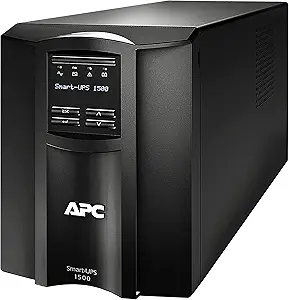
APC Smart-UPS 1500VA SMT1500C

APC · $600 · 4.7/5

APC's premium SmartConnect UPS brings enterprise-grade power protection home. Pure sine wave, cloud monitoring, and expandable runtime for critical equipment.

Read full review →
#2 Runner Up

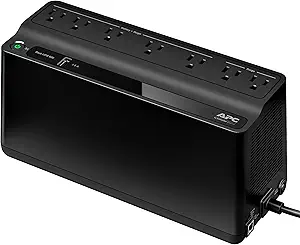
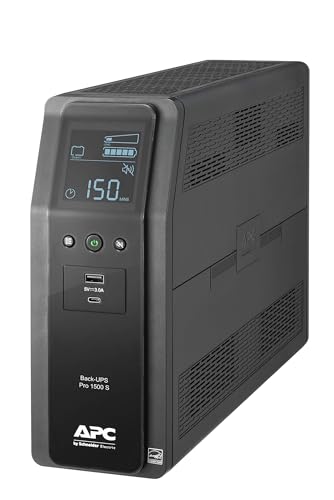
APC Back-UPS Pro BR1500MS2

APC · $260 · 4.6/5

The premium pure sine wave UPS for home offices and gaming PCs. Guaranteed compatibility with Active PFC power supplies and built-in USB-C charging make it worth the price premium.

Read full review →
#3 Best Value

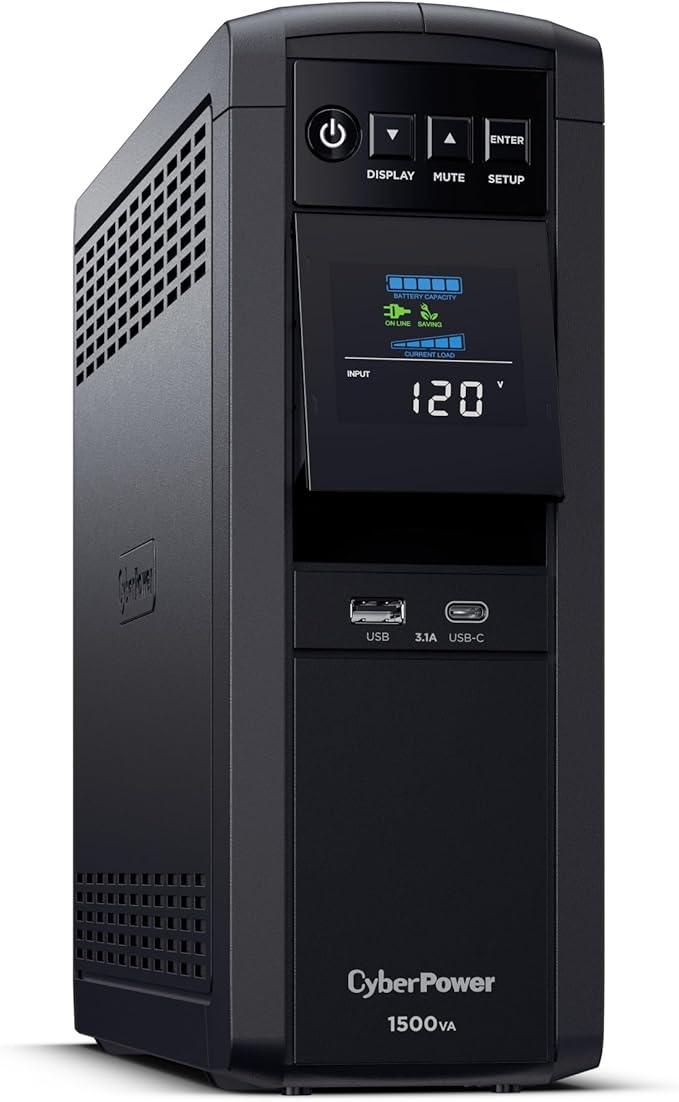
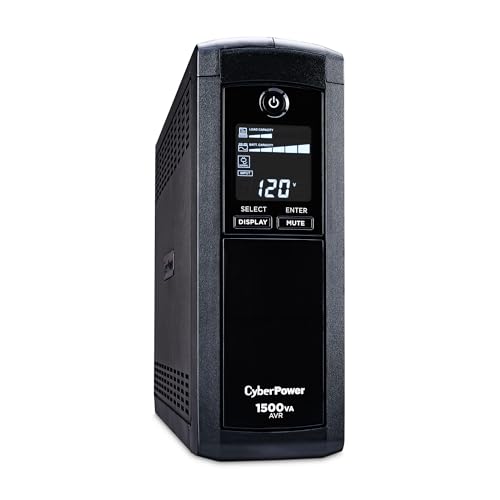
CyberPower CP1500AVRLCD

CyberPower · $190 · 4.5/5

The best-selling consumer UPS in North America. 1500VA/900W with AVR, an informative LCD, and 12 outlets — all for under $190. The go-to choice for protecting a desktop PC setup.

Read full review →

All UPS Systems We've Tested

CyberPower CP1500AVRLCD
$190
4.5

The best-selling consumer UPS in North America. 1500VA/900W with AVR, an informative LCD, and 12 outlets — all for under $190. The go-to choice for protecting a desktop PC setup.

Capacity

216Wh

VA Rating

1500VA

Weight

24 lbs
Frequently Asked Questions

Pure sine wave vs simulated sine wave: Which do I need?

If your desktop PC has an Active PFC power supply (most modern gaming and workstation PSUs do), you need a pure sine wave UPS. Simulated sine wave can cause the PSU to shut down or fail during a power switchover. If you are only protecting a router, modem, or basic electronics, a simulated sine wave UPS works fine and saves money.

How much VA do I need for my setup?

Add up the wattage of everything you will plug into the battery-backed outlets. A typical desktop PC draws 300-500W, a monitor 30-50W, and a router 10-20W. Multiply the total by 1.6 to convert watts to VA. For a 400W PC + 40W monitor + 15W router (455W total), you need at least 730VA. A 1000VA or 1500VA UPS gives comfortable headroom.

How long will a UPS keep my PC running?

A 1500VA UPS running a 400W load (typical desktop setup) provides roughly 5-8 minutes of battery time. That is not meant for working through an outage; it is meant for saving your files and shutting down safely. For longer runtime, you would need a larger UPS or a portable power station used as a UPS.

How often do I need to replace the UPS battery?

Typical UPS batteries last 3-5 years before they lose significant capacity. Most UPS units will alert you when the battery needs replacement. Replacement batteries cost $30-80 depending on the model and are usually easy to swap without tools. Regular self-tests help you monitor battery health over time.

Get the best power station deals in your inbox

Weekly picks, price drops, and new reviews — no spam, unsubscribe anytime.