Buying Guide
Best UPS Battery Backups for Home Offices (2026)

TL;DR
The best UPS battery backup units for home offices in 2026. We compare CyberPower, APC, and Tripp Lite models to protect your desktop, monitor, NAS, and router from outages and power surges.
A single power flicker can corrupt your files, crash an hours-long render, or knock your NAS offline mid-backup. If you work from home, a UPS (Uninterruptible Power Supply) isn’t optional — it’s the cheapest insurance you can buy for your equipment and your productivity. Unlike a portable power station, a UPS sits inline between the wall and your gear, switching to battery power in under 10 milliseconds. Your computer never knows the power went out.
We tested UPS units specifically for the home office use case: desktop PC and monitor protection, NAS backup power, router uptime during outages, and surge protection for sensitive electronics. Here are the four models worth buying in 2026.
Our Top Picks at a Glance
| Rank | Product | VA/Watts | Battery Outlets | Runtime (300W load) | AVR | Best For |
|---|---|---|---|---|---|---|
| 1 | CyberPower CP1500AVRLCD | 1500VA / 900W | 6 | ~8 min | Yes | Best Overall |
| 2 | APC Back-UPS Pro 1500 | 1500VA / 900W | 6 | ~8 min | Yes | Runner-Up |
| 3 | Tripp Lite SMART1500LCDT | 1500VA / 900W | 5 | ~7 min | Yes | Best Display |
| 4 | APC BE600M1 | 600VA / 330W | 5 | ~12 min (50W) | No | Budget / Router Only |
1. CyberPower CP1500AVRLCD — Best Overall
The CyberPower CP1500AVRLCD has been the go-to home office UPS for years, and the current model remains our top pick. It delivers the right balance of capacity, features, and price that most home office workers need.
Why it wins:
- 1500VA / 900W capacity handles a desktop PC, monitor, and peripherals comfortably
- AVR (Automatic Voltage Regulation) corrects brownouts and sags without using the battery
- LCD display shows load percentage, battery capacity, input/output voltage in real time
- 6 battery-backed outlets + 6 surge-only outlets — 12 total
- USB data port with PowerPanel software for automated shutdown on Mac, Windows, and Linux
- User-replaceable battery keeps this UPS running for years
The CP1500AVRLCD hits the sweet spot for home offices. The AVR feature is particularly valuable — in areas with unstable power, brownouts can damage electronics just as effectively as surges. This UPS quietly regulates voltage dips and spikes without draining the battery, saving it for real outages.
Read our full CyberPower CP1500AVRLCD review —>
2. APC Back-UPS Pro 1500 (BR1500MS2) — Runner-Up
APC invented the consumer UPS market, and the Back-UPS Pro 1500 shows why they’re still a top choice. It matches the CyberPower on specs and edges ahead with slightly better build quality and APC’s PowerChute software ecosystem.
What stands out:
- 1500VA / 900W with AVR — matches the CyberPower’s core specs
- Sine wave output on battery — cleaner power for sensitive equipment
- 2 USB charging ports (Type-A and Type-C) built into the front panel
- APC PowerChute software with energy monitoring and automatic shutdown
- 6 battery-backed + 4 surge-only outlets
- Audible alarms with configurable sensitivity
The APC commands a slight price premium over the CyberPower, which is why it’s our runner-up rather than top pick. But if you value pure sine wave battery output (important for Active PFC power supplies in many modern desktops) or prefer APC’s software ecosystem, the BR1500MS2 is worth the extra cost.
3. Tripp Lite SMART1500LCDT — Best Display and Monitoring
The Tripp Lite SMART1500LCDT offers the most detailed LCD interface of any UPS in this class. If you want to monitor your power conditions closely — voltage, frequency, load, and battery health — Tripp Lite gives you more data at a glance.
Why we recommend it:
- 1500VA / 900W with AVR — full-featured protection
- Large, bright LCD shows detailed power metrics including input voltage and frequency
- 5 battery-backed + 5 surge-only outlets
- SmartPro mode provides configurable sensitivity for different power environments
- USB + serial data ports for automated shutdown
- TEL/DSL and coaxial surge protection included
The Tripp Lite is a strong choice for home office users who also run network equipment, media servers, or other gear where monitoring power quality matters. Its configurable AVR sensitivity lets you fine-tune how aggressively the unit corrects voltage — useful in areas with consistently low or high voltage.
4. APC BE600M1 — Best Budget Pick for Router Protection
Not everyone needs a 1500VA UPS. If your primary goal is keeping your internet alive during outages so you can work from a laptop on its own battery, the APC BE600M1 is all you need — and it costs a fraction of the larger units.
Why it makes our list:
- 600VA / 330W — sized perfectly for a router, modem, and small switch
- 5 battery-backed + 2 surge-only outlets
- 12+ minutes of runtime for a typical router/modem combo (50W load)
- USB charging port on the front for phone charging during outages
- Compact design tucks behind furniture easily
- Under $75 at most retailers
The BE600M1 is the UPS we recommend when someone says “I just need my internet to stay on.” Pair it with a fully charged laptop and you can work through most outages without interruption. It’s also an excellent dedicated UPS for a NAS or network closet.
What to Look For in a Home Office UPS
Choosing the right UPS battery backup comes down to matching the unit to your specific equipment and power environment.
1. Capacity: VA and Watt Ratings UPS units are rated in VA (Volt-Amps) and Watts. Your total connected load should never exceed 60–80% of the UPS’s watt rating. A 900W UPS comfortably handles 500–700W of equipment. Overloading a UPS compromises runtime and can trigger overload shutdowns.
2. AVR (Automatic Voltage Regulation) AVR corrects undervoltage (brownouts) and overvoltage without switching to battery. This is critical in areas with unstable power — without AVR, your UPS battery cycles through every voltage dip, wearing it out faster. All three of our 1500VA picks include AVR.
3. Outlet Count and Layout Count your plugs. A desktop setup might need 4–6 battery-backed outlets: PC, monitor, desk lamp, external drive, router, and speakers. Make sure the UPS has enough battery-backed outlets (not just surge-only outlets) for everything that needs to stay on during an outage.
4. Runtime at Your Load Runtime varies dramatically with load. A 1500VA UPS might run 25 minutes at 200W but only 4 minutes at 800W. Calculate your actual load and check the manufacturer’s runtime charts. For most home offices, 5–10 minutes is enough to save work and shut down gracefully.
5. Software and Auto-Shutdown If you’re not sitting at your desk during an outage, software like CyberPower PowerPanel or APC PowerChute can automatically save your files and shut down your PC before the battery runs out. This is essential for home servers or NAS units that may be unattended.
UPS vs. Power Station: Which Does Your Home Office Need?
This is a common question, and we’ve written a full comparison. The short version: a UPS provides instant, automatic protection with a small battery. A power station provides hours of portable power but with a slower switchover.
For a desktop PC, you need a UPS — the instant switchover prevents crashes and data corruption. If you also want extended runtime during long outages, you can add a power station alongside your UPS for charging laptops and phones after the UPS battery is depleted.
If you’re also a gamer, check out our best UPS for gaming PCs guide for higher-wattage recommendations.
The Bottom Line
The CyberPower CP1500AVRLCD is the best UPS for most home offices. It provides enough capacity for a full desktop setup, AVR corrects power issues silently, and the price-to-feature ratio is unbeatable. The APC Back-UPS Pro 1500 is worth the premium if you need pure sine wave output or prefer APC’s ecosystem.
For router-only protection on a budget, the APC BE600M1 gets the job done for under $75. And the Tripp Lite SMART1500LCDT is the monitoring enthusiast’s pick with the most detailed display in its class.
No matter which you choose, a UPS is one of the smartest investments you can make for a home office. The cost of a single corrupted project file or lost workday far exceeds the price of any unit on this list.
Recommended Power Stations
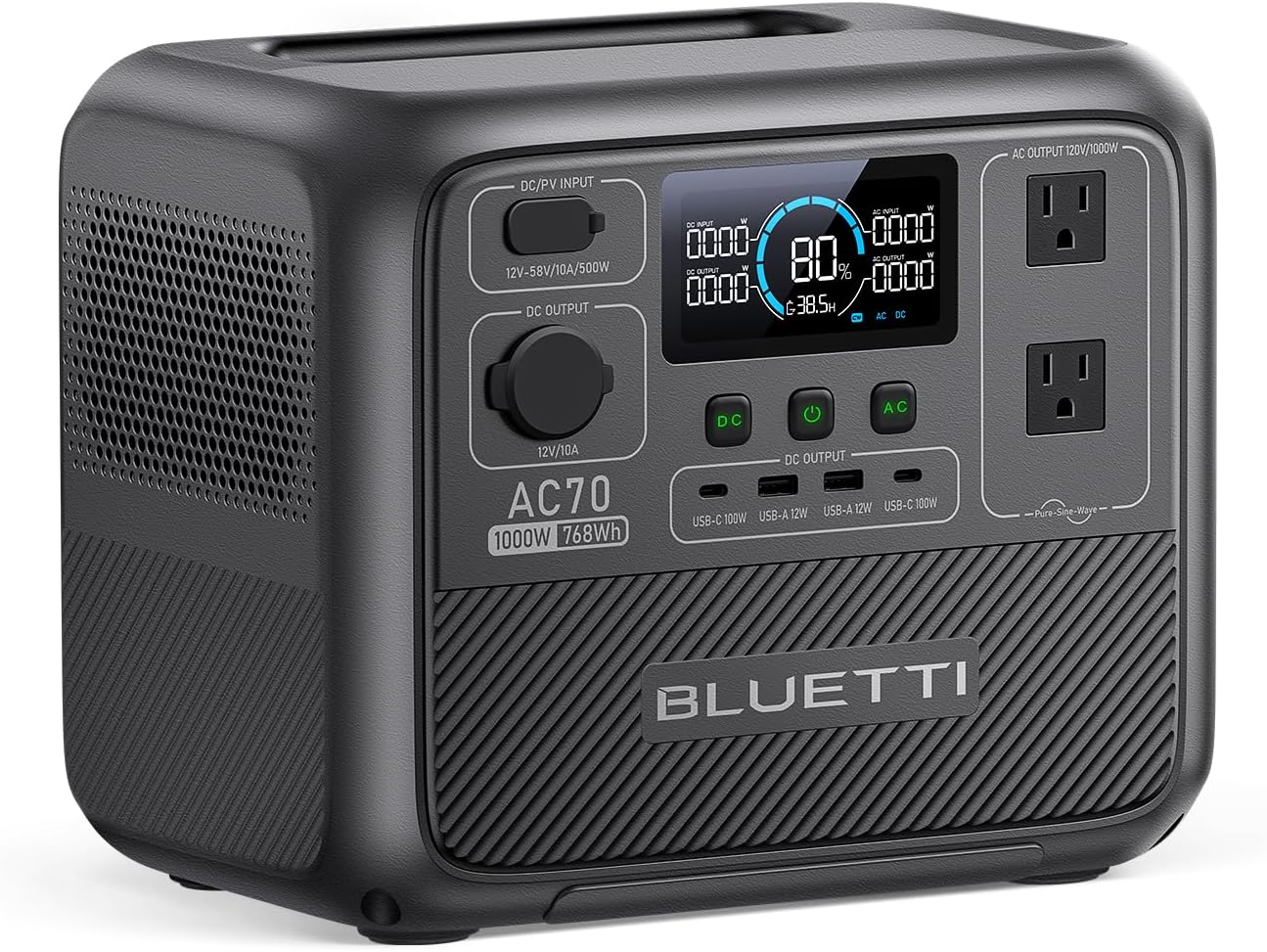
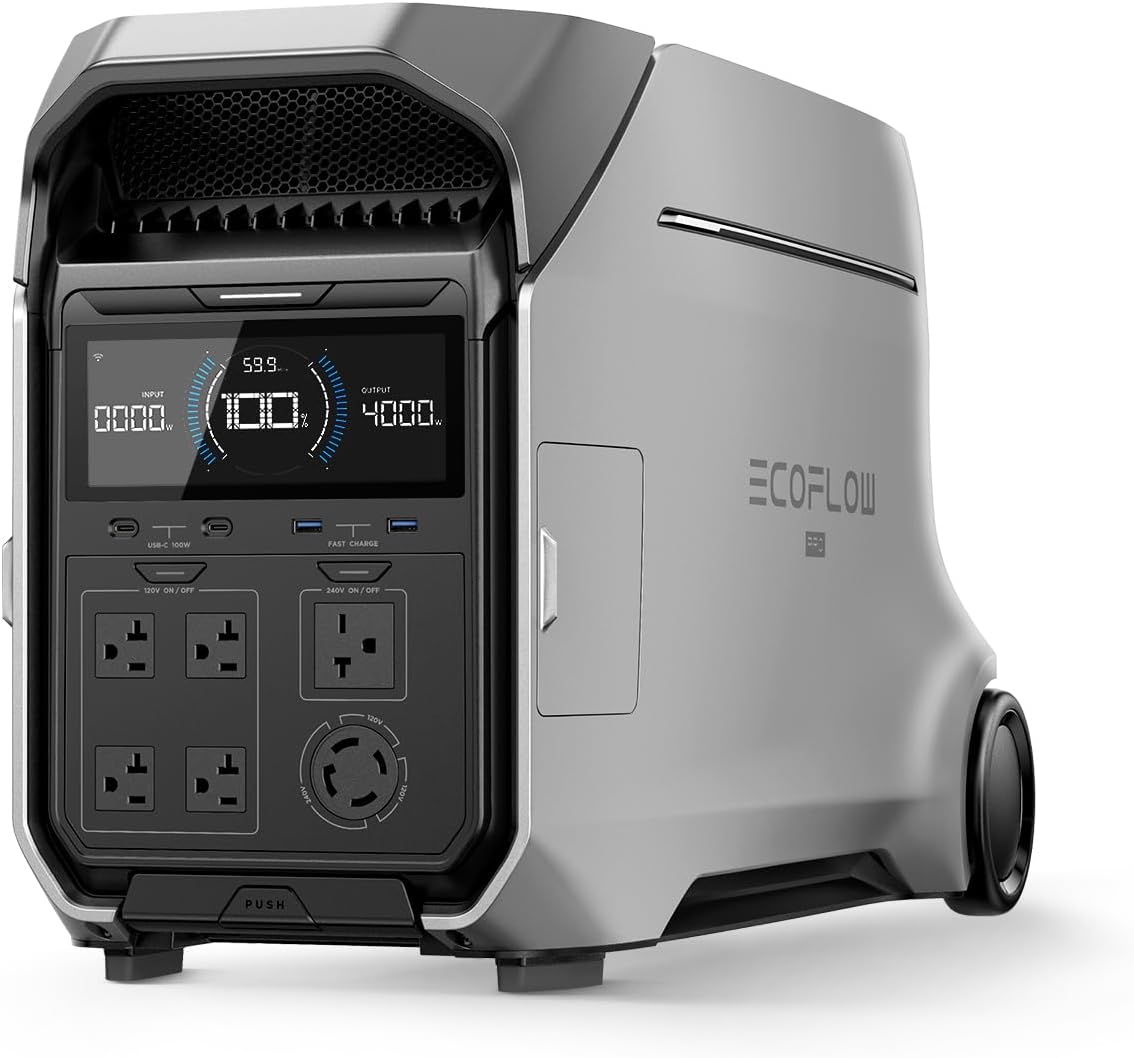
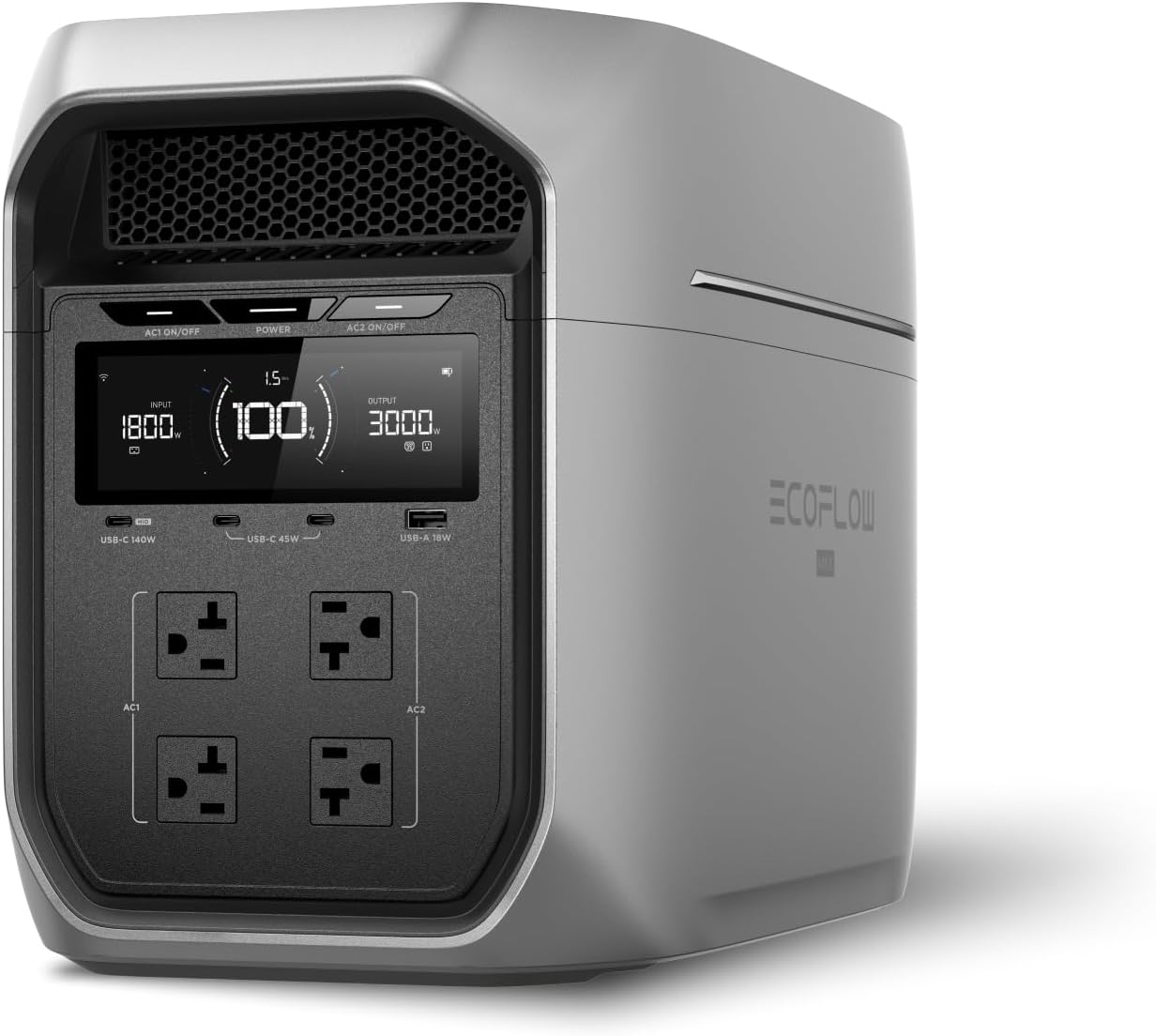
EcoFlow
EcoFlow DELTA 3 Plus
EcoFlow's newest mid-range flagship. The DELTA 3 Plus improves on the Delta 2 with faster charging, LiFePO4 chemistry, and UPS functionality — all at a lower price.
Frequently Asked Questions
What size UPS do I need for a home office?
For a typical home office with a desktop PC (300–500W), monitor (30–50W), and router (10–15W), a 900VA/1500VA UPS provides 5–15 minutes of runtime — enough to save your work and shut down safely. Add up the wattage of everything you'll plug in and choose a UPS rated for at least 60% more than your total draw.
Will a UPS protect my computer from power surges?
Yes. All quality UPS units include surge protection on their battery-backed outlets. The CyberPower CP1500AVRLCD and APC Back-UPS Pro 1500 also include AVR (Automatic Voltage Regulation), which corrects brownouts and overvoltages without switching to battery — extending battery life and providing more consistent power.
What is the difference between a UPS and a power station?
A UPS is designed to sit between your wall outlet and equipment, providing instant switchover (under 10ms) during outages so your computer never loses power. A power station is portable with much larger battery capacity but typically has a slower switchover time. For always-on desktop protection, a UPS is the right choice. See our full comparison at /blog/power-station-vs-ups.
How long does a UPS battery last before it needs replacement?
Most UPS batteries last 3–5 years before needing replacement. You'll know it's time when the UPS reports reduced runtime or fails its self-test. Replacement batteries cost $25–$60 for most home office models. CyberPower and APC both sell user-replaceable battery cartridges.
Ready to Buy? Here's What We Recommend
Based on our testing and this guide, these are the best options for most people: