Guide
Bluetooth and WiFi in Power Stations: Which App Features Actually Matter?

TL;DR
Most power stations now ship with companion apps. Some features are genuinely useful, others are pointless. Here's a technical breakdown of which connectivity features earn their keep — and which ones are pure marketing.
I’ve spent more time than I should with the apps from every major power station brand. Some of the features in those apps are genuinely useful — they’ve changed how I use my own equipment. Others are technical demos masquerading as features, doing things that look impressive in a marketing video and almost nothing for a real owner.
Here’s my technical assessment of which app features actually earn their keep, which are pure marketing, and how to choose between connected and non-connected units.
How Connectivity Works on Power Stations
Modern power stations typically support one or both of:
Bluetooth Low Energy (BLE)
Short-range wireless (effective range 30-50 ft inside a building). Connects directly between your phone and the power station — no internet required.
What it enables:
- Real-time monitoring (battery percentage, current input/output)
- Local control (toggling AC output, changing charge rate)
- Firmware updates over a slow connection
Limitations: No remote access. If you’re not within Bluetooth range, you can’t check status or change settings. Connection drops require manual reconnection.
WiFi (typically 2.4GHz only)
Connects the power station to your home network, then through to the manufacturer’s cloud service. Your phone connects to the cloud, which relays commands and data to/from your unit.
What it enables:
- Remote monitoring from anywhere with internet
- Push notifications (low battery, charge complete, etc.)
- Cloud-stored usage history and analytics
- Scheduled actions (e.g., charge only during off-peak rates)
- Firmware updates at full speed
Limitations: Requires home WiFi. Cloud dependency means manufacturer can change features or shut down service. Privacy implications since usage data goes to their servers.
Some units support both
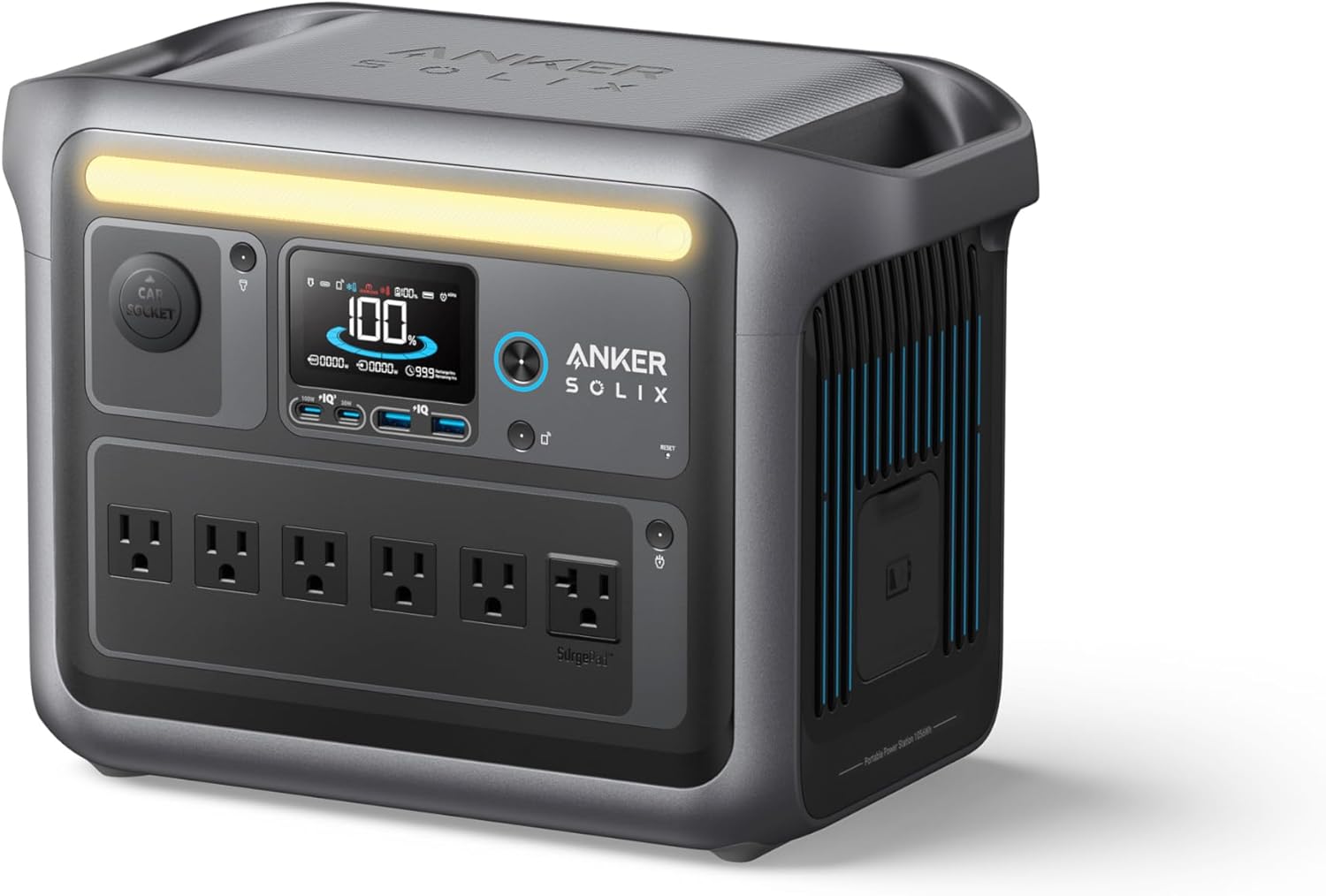
The high-end EcoFlow units (DELTA 3 Plus, DELTA Pro 3) and the Anker SOLIX C1000 use Bluetooth for initial setup and local control, then WiFi for remote features. This is the best architecture — local fallback if cloud is down, full remote when needed.
Features That Genuinely Matter
1. Remote runtime monitoring
If you’ve left a power station running your fridge during an outage at home and you’re at work, knowing how much battery is left without driving home is genuinely valuable. This is the single feature that has real-world utility for most users.
Apps that do this well: EcoFlow, Anker, Bluetti, Jackery (all reliable for live status)
2. Charging speed adjustment
Power stations typically offer “fast” charging (1,800W) and “slow” charging (200-500W). Slow charging generates less heat and extends battery life. The ability to schedule slow charging overnight or during off-peak grid rates can:
- Add 1-2 years to LiFePO4 cycle life with less heat stress
- Cut electricity costs by 30-50% on time-of-use plans
- Reduce noise (fans don’t need to spin as fast)
Apps that do this well: EcoFlow (best granularity), Anker, Bluetti
3. Solar input visualization
Watching real-time solar input is the most useful feedback for optimizing panel placement. Move the panel a few degrees, see input go up. This was mentioned in our solar panel maintenance guide — the apps make this dramatically easier than checking the unit’s tiny built-in display.
Apps that do this well: EcoFlow’s input dashboard is best-in-class. Others are functional but less detailed.
4. Scheduled charging for time-of-use rates
If your utility charges different rates by time of day, scheduling your power station to charge only during off-peak hours saves real money. A 2,000Wh station charging once daily on a TOU plan with $0.12/kWh off-peak vs. $0.32/kWh peak saves about $145/year.
Apps that do this well: EcoFlow has the most sophisticated scheduling. Anker’s is simpler but works.
5. UPS/passthrough mode configuration
The power station can sit plugged into the wall, charging up to 100%, with devices plugged in. When grid power fails, it switches over to battery in 10-20ms — fast enough to keep most electronics running. Some apps let you adjust the threshold (start protecting at 90% charge, or only at full charge), which matters for battery longevity.
Apps that do this well: EcoFlow, Anker
Features That Are Pure Marketing
1. “AI-powered” anything
Marketing departments love adding “AI” to features that are just basic schedules or thresholds. “AI-optimized charging” usually means “pre-programmed to charge slower at night.” The actual algorithms are simple rule-based logic. Don’t pay extra for AI branding.
2. Voice assistant integration
“Alexa, ask the power station how much battery is left.” This works in theory and is a fun party trick. In practice, you’ll never use it. Voice commands require remembering exact phrasing, take longer than glancing at the display, and break frequently when the manufacturer or Amazon updates anything. A wasted feature.
3. Multi-device sync (when not actually useful)
Some apps let you control multiple power stations from one account. Useful if you genuinely have multiple units. Marketing sometimes presents this as a major feature for a single buyer — pointless if you have one unit.
4. Theme customization, animations, “modes”
Cosmetic features. The dashboard background color and the boot-up animation don’t change the value of the device. Apps that lead with these features usually have weak underlying functionality.
5. Push notifications for everything
A notification when your power station finishes charging is mildly useful. Notifications for “your power station is operating normally” or “good morning, your battery is at 87%” become noise immediately. Most apps default to noisy and need to be configured down.
Brand-by-Brand App Quality (As of April 2026)
EcoFlow
Best overall. Comprehensive features, reliable connection, regular updates with new functionality. The dashboard shows everything that matters. Scheduling is granular. The major weakness is that EcoFlow has been pushing features into a paid-tier subscription for power stations released in late 2025 — not a dealbreaker, but worth knowing.
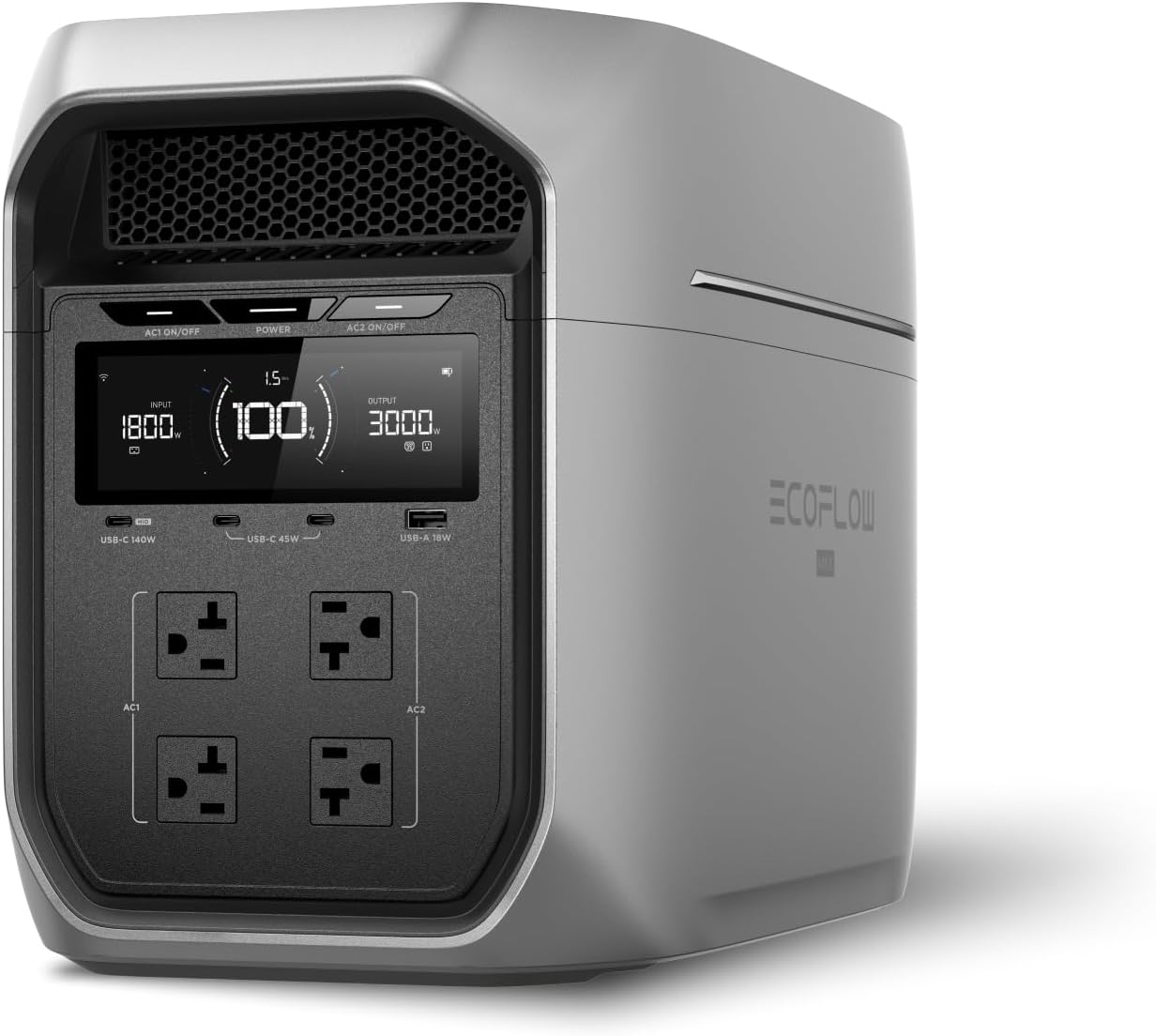
The EcoFlow DELTA 3 Plus and EcoFlow DELTA Pro 3 showcase the app at its best.
Anker
Strong second. Polished UI, fast Bluetooth pairing, reliable WiFi. Slightly fewer advanced settings than EcoFlow but covers all the important features. Anker’s strength is rock-solid software stability — features rarely break across updates.
The Anker SOLIX C1000 and Anker SOLIX C800 Plus are well-supported.
Bluetti
Solid but uneven. App quality varies by power station model — newer units integrate well, older units sometimes have orphaned firmware. Cloud reliability is occasionally spotty. Functionally complete but feels less refined than EcoFlow or Anker.
Jackery
Functional, conservative. Simpler app focused on essentials: status monitoring, basic charge control, firmware updates. Lacks advanced scheduling or detailed solar visualization, but works reliably for what it does. Good choice for users who’d find EcoFlow’s app overwhelming.
Goal Zero, VTOMAN, Yoshino, others
Avoid for app-dependent use cases. These manufacturers’ apps are functional but supported by smaller engineering teams. Long-term update cadence is slower. For app-first buyers, stick with the top four.
My Personal Setup
For my home backup EcoFlow DELTA Pro 3, I use:
- Remote monitoring during outages — yes, daily during outage events
- Charging schedule — set to charge at 200W from 11pm-6am to take advantage of TOU pricing
- Push notifications — enabled for “battery low” and “charge complete” only, all others disabled
- Solar input dashboard — used heavily during outage events to maximize panel deployment
For my van’s EcoFlow DELTA 3 Plus, I use:
- Bluetooth-only (no WiFi, since I’m not at home)
- Solar input monitoring — checked every few hours to optimize panel angle
- Charge rate adjustment — when running off vehicle alternator, force slow charge to reduce engine load
Roughly 90% of the value of these apps is in those specific features. Everything else is occasional or ignored.
Should You Pay Extra for Connectivity?
If your candidate units are roughly equivalent on price and core specs, prefer the one with a quality app from a major brand. The price premium for connectivity has dropped substantially — most units that include the feature add only $30-80 vs. equivalent non-connected units.
If you’re choosing between a connected unit from a no-name brand and a non-connected unit from a major brand, take the major brand. App quality without long-term support is worse than no app.
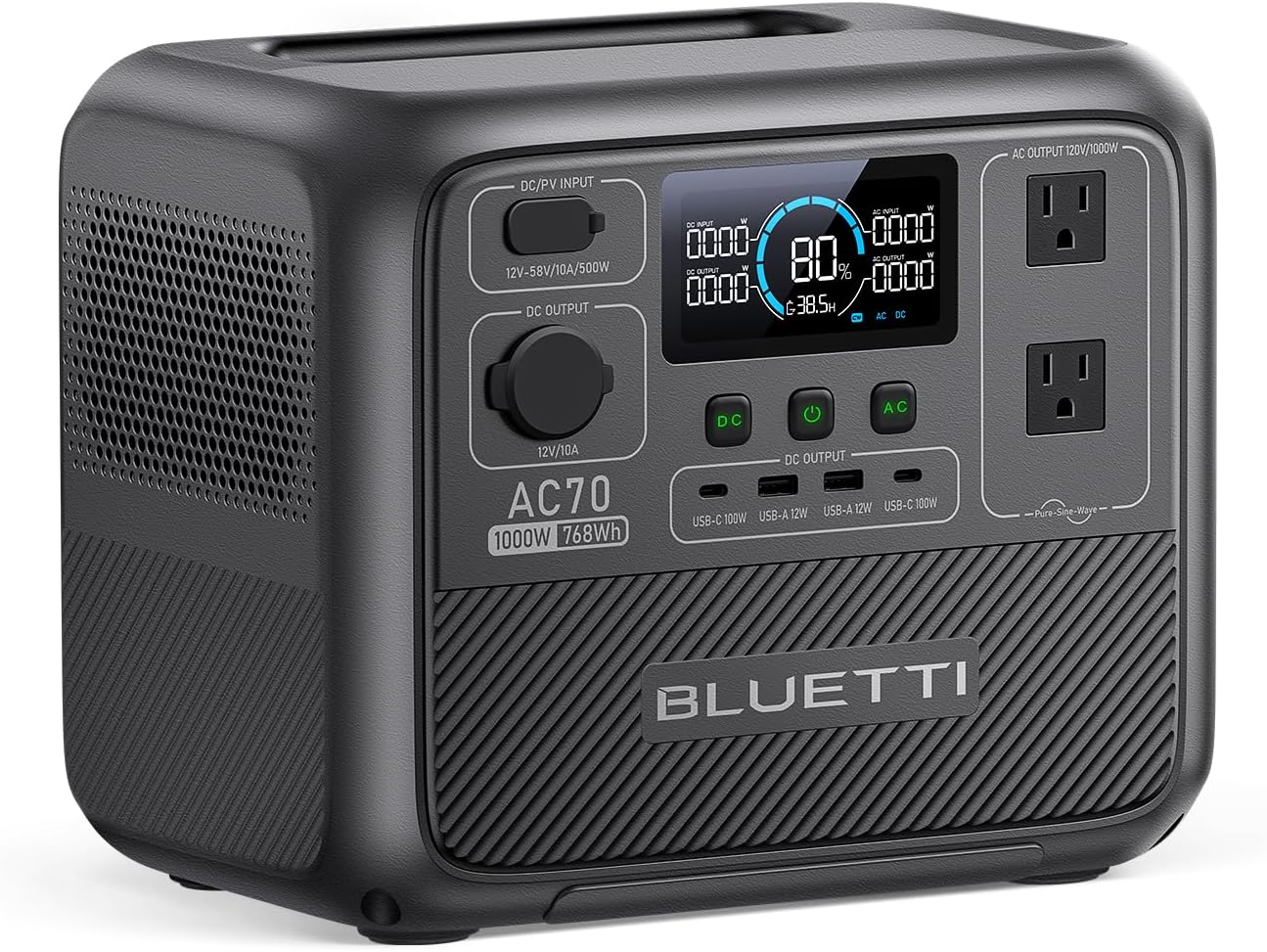
If you’d never use an app and you’re price-sensitive, basic non-connected units like the original Bluetti AC70 work perfectly fine without ever touching your phone.
Related Reading
- Best Portable Power Stations 2026 — our top picks (with app quality noted)
- 9 Expensive Mistakes Buying a Power Station — what to actually prioritize
- Inside the Inverter — what happens when you toggle AC output via the app
- Solar Panel Maintenance Guide — using app data to optimize solar
- Power Station Maintenance Tips — care basics
Recommended Power Stations
EcoFlow
EcoFlow DELTA 3 Plus
EcoFlow's newest mid-range flagship. The DELTA 3 Plus improves on the Delta 2 with faster charging, LiFePO4 chemistry, and UPS functionality — all at a lower price.
Frequently Asked Questions
Do I need a power station with a WiFi or Bluetooth app?
It depends on how you'll use the unit. For home backup, app features are genuinely useful — you can monitor remaining runtime, check status remotely, schedule charging during off-peak rates. For camping or short outages, the local display is enough. App features add about $50-100 to the price of an equivalent unit. If you'd never check the app, save the money.
Which power station apps are best?
EcoFlow's app is the most polished — clean UI, reliable connection, comprehensive control over charging speed and AC output settings. Anker's app is similar quality but with fewer advanced settings. Bluetti's app is functional but less refined. Jackery's BluetoothLink app is solid for basic monitoring. Avoid apps from unknown manufacturers — security and longevity are real concerns when you're connecting battery hardware to a cloud service.
Can a power station's WiFi connection be a security risk?
Marginally. The biggest concerns are: (1) the cloud service collecting usage data that could be used to profile your home presence, (2) future firmware updates that change the device's behavior or break features post-purchase, and (3) if the manufacturer is compromised, control of your charging behavior. None of these are catastrophic, but they're real. For maximum security, choose Bluetooth-only apps (no cloud component) or simply don't connect the unit to WiFi.
What if a manufacturer abandons their app?
This is a legitimate risk. Power stations are 8-12 year purchases; mobile apps from no-name manufacturers often disappear within 2-3 years. If app support is critical to you, stick with major brands (EcoFlow, Anker, Bluetti, Jackery) that have demonstrated long-term software commitment. The hardware will still work without the app — you just lose remote monitoring and advanced settings.
Ready to Buy? Here's What We Recommend
Based on our testing and this guide, these are the best options for most people: