Buying Guide
College Campus Prep: What Incoming Freshmen Really Need for Dorm Life

TL;DR
Heading to college this fall? Here's the practical power gear every incoming freshman actually needs for dorm life — device charging, blackout backup, and keeping your WiFi alive when the building grid hiccups.
Move-in day is chaos. You’ve got a car packed to the roof, a roommate you met three weeks ago over text, and a 12-by-15-foot room that has to function as a bedroom, study, kitchen, and entertainment center. Somewhere in that pile of bins and shower caddies, the thing that actually keeps your semester running smoothly is power — and most freshman packing lists get it completely wrong.
I’ve helped two siblings move into dorms and tested gear in cramped rooms with exactly one usable wall outlet behind the bed. Here’s what incoming freshmen really need: not a generator, not a 60-pound battery, but a smart, dorm-legal setup that charges your devices, survives a campus blackout, and keeps your WiFi alive when a transformer trips at 11 p.m. the night before a paper is due.
The Real Power Problems in a Dorm Room
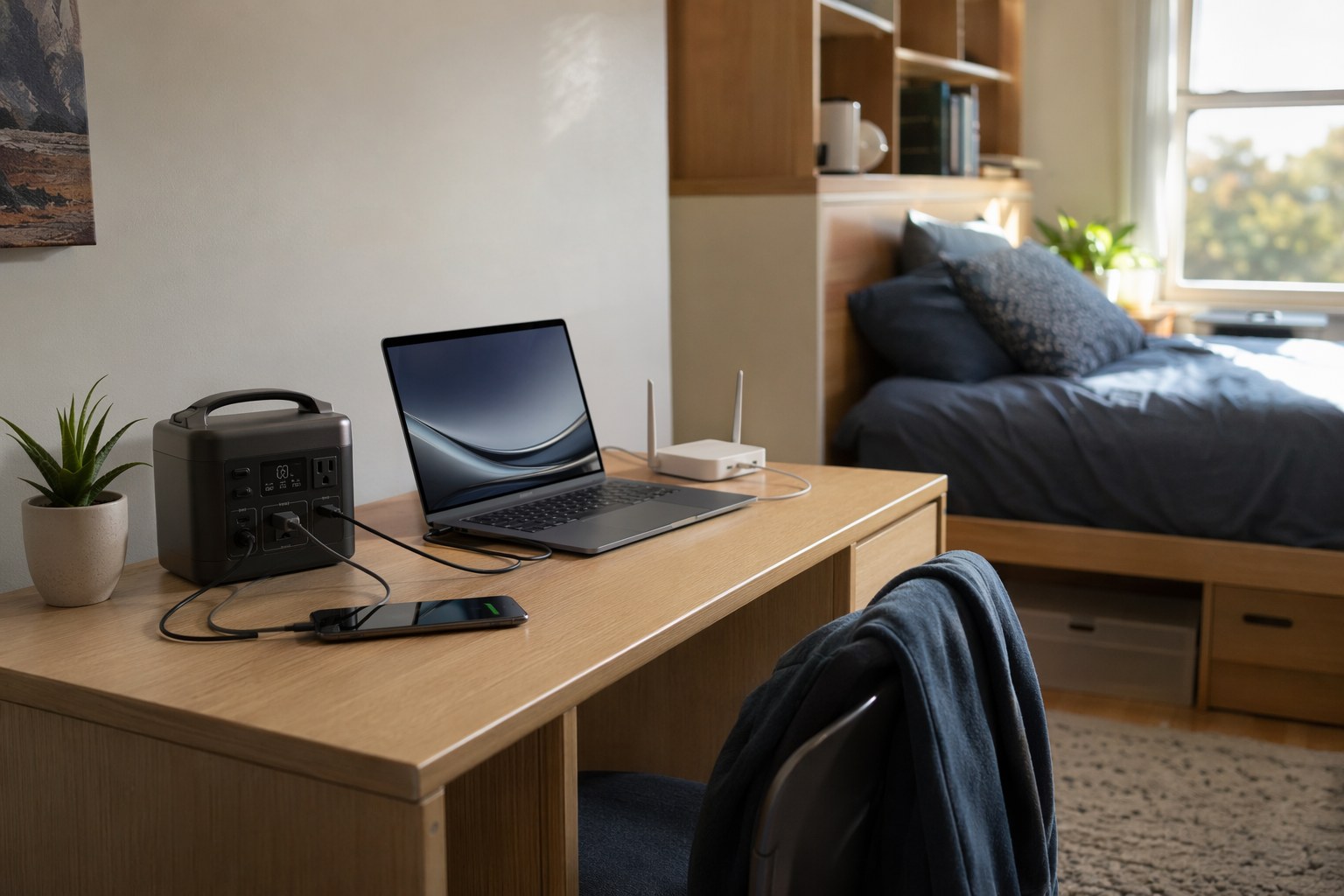
Dorm electrical setups are notoriously bad. Most rooms were wired decades ago for a lamp and a clock radio, not for two students each running a laptop, a phone, a tablet, earbuds, a monitor, a mini-fridge, and a fan. You’ll typically find two or three outlets total, half of them blocked by furniture you’re not allowed to move.
Then there are the outages. Campus power is more fragile than people assume. University facilities teams schedule maintenance shutdowns, summer storm season knocks out transformers, and aging dorm wiring trips breakers when too many rooms run space heaters in January. A 2024 survey of campus facilities managers found that the average residence hall sees several unplanned outages per academic year, some lasting hours. When it happens, the building’s WiFi access points die right along with your laptop.
So the freshman power problem breaks into three jobs:
- Daily charging — keeping a phone, laptop, and a half-dozen accessories topped off without fighting over the one good outlet.
- Blackout backup — keeping your laptop and WiFi alive long enough to finish or submit work when the grid drops.
- Surge protection — shielding your expensive electronics from the dirty power and brownouts common in old buildings.
You don’t need to spend a fortune to solve all three. You need the right three or four pieces of gear.
Tier 1: The Everyday Charging Workhorse
Before you think about backup, fix your daily charging. A single high-capacity USB-C power bank does more for dorm life than almost anything else on your packing list. It charges your laptop during a long library session, tops off your phone walking between classes, and means you’re never the person crawling under a lecture-hall desk hunting for an outlet.
Best Overall Power Bank: Anker Prime 27650
The Anker Prime 27650 is the one I’d hand any incoming freshman. At 99.54Wh (27,650mAh), it’s the maximum capacity the TSA allows in a carry-on — which matters when you’re flying home for breaks — and it pushes 65W of USB-C Power Delivery, enough to charge a MacBook Air at full speed or keep a 14-inch MacBook Pro running.
- 99.54Wh capacity — roughly 1.5 full charges for a MacBook Air, 5-6 phone charges
- 65W USB-C PD output charges most ultrabooks at full speed
- 170W input refills it 0-100% in under an hour
- 2x USB-C + 1x USB-A — laptop, phone, and earbuds at once
- Smart display showing exact watt-hours remaining
The digital readout sounds like a gimmick until the third week of the semester, when you can see at a glance whether you’ve got enough left for an all-nighter. For a deeper comparison of laptop-capable banks, our laptop power bank guide breaks down the full field.
Best Multi-Device Pick: Ugreen Nexode 25000
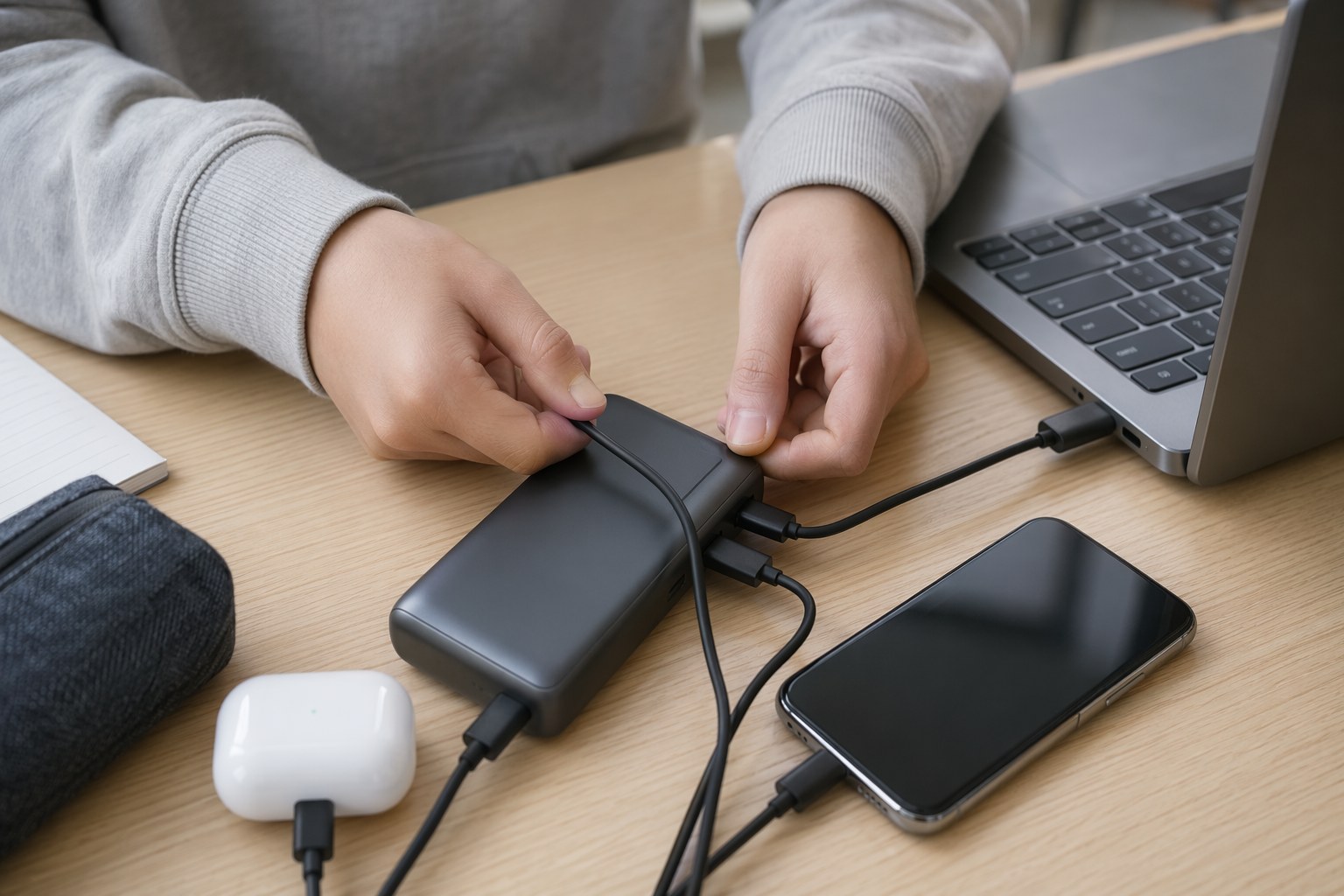
If your problem is sheer device count — laptop, phone, tablet, smartwatch, earbuds — the Ugreen Nexode 25000 is built for it. It delivers 200W total across its ports with intelligent power distribution, so plugging in a phone alongside your laptop doesn’t slow your laptop to a crawl.
- 90Wh (25,000mAh) capacity
- 200W total output, 130W single-port USB-C max
- 2x USB-C + 1x USB-A with GaN smart distribution
- 24-month warranty — reassuring for a four-year run
At 1.4 lbs it’s slightly heavier than the Anker, but the trade is genuine multi-device charging. Plug in a MacBook, an iPhone, and AirPods and each gets meaningful power instead of a trickle.
Tier 2: Blackout Backup That Keeps You Online
A power bank covers your devices, but it can’t run a mini-fridge or a desk lamp, and it won’t keep a WiFi router alive for long. For that you want a small portable power station. The key word is small — you’re outfitting a dorm room, not a cabin.
Best Compact Station: EcoFlow RIVER 3
The EcoFlow RIVER 3 is the ideal dorm backup for most freshmen. At 245Wh and just 7.8 lbs, it fits on a bookshelf or under your desk and disappears until you need it.
- 245Wh LiFePO4 battery rated for 3,000+ cycles (a decade of use)
- 300W output (600W with X-Boost)
- 7.8 lbs — genuinely portable
- Full recharge in about 60 minutes
- IP54 rated for dust and splashes
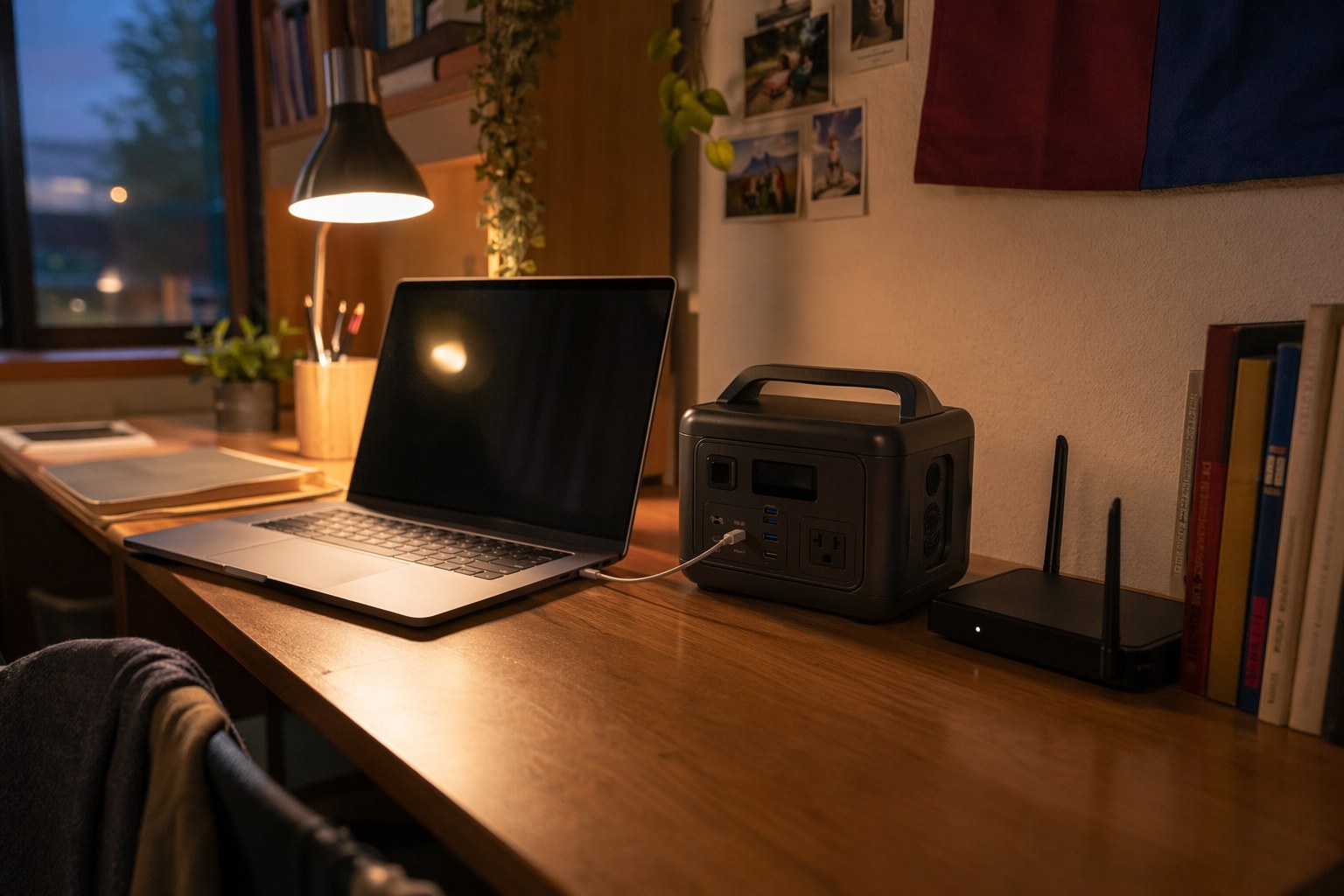
During an outage, the RIVER 3 will run a 15W WiFi router for 12-plus hours, recharge your laptop several times, and keep an LED lamp going all night. That’s exactly the profile of a campus blackout: keep the essentials alive, ride it out, get your work submitted. LiFePO4 chemistry also means it holds a charge for months in a closet without degrading — important since you won’t need it most of the time.
Best for More Capacity: Bluetti AC70
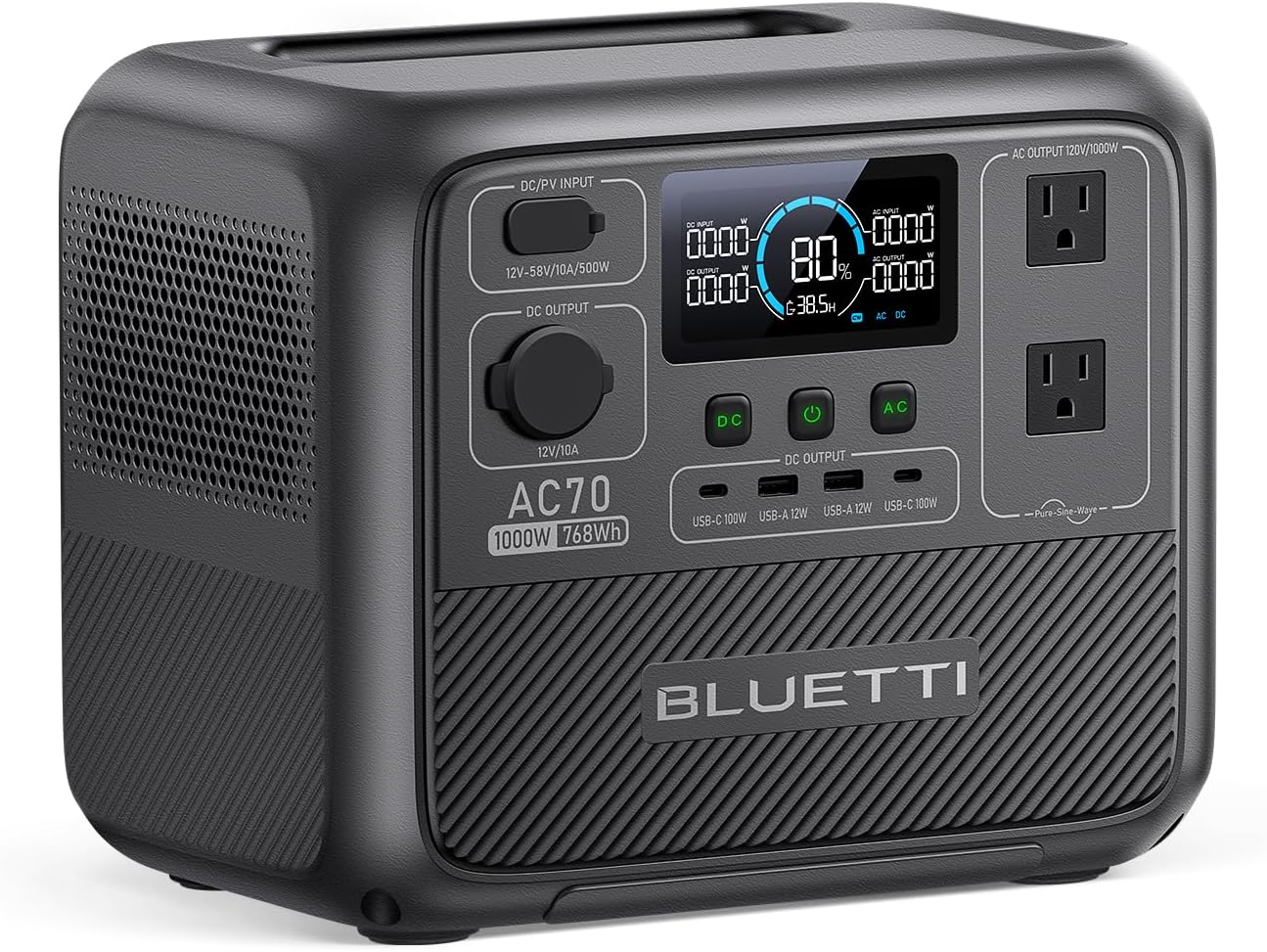
If you’ve got a mini-fridge, a roommate who shares the room budget, or you just want more headroom, step up to the Bluetti AC70. At 768Wh it does triple the work of the RIVER 3 while staying dorm-friendly at 22.5 lbs.
- 768Wh LiFePO4 capacity (3,000+ cycles)
- 1,000W output, 2,000W Power Lifting mode
- 80% charge in 45 minutes
- Runs a 100W mini-fridge for 6-8 hours, a laptop 8-10 hours
The Power Lifting mode is the standout — it briefly handles 2,000W loads, so it can run a small appliance a 1,000W unit can’t touch. If you want the full breakdown of sub-$500 stations, our best power station under $500 guide ranks the field, and many of the same picks show up in our coverage of power solutions for apartment dwellers, which faces nearly identical constraints to dorm life.
A quick reality check on air conditioning and heating: don’t try to run a window AC or a space heater off either of these. AC units pull 500-1,500W and would drain a dorm-sized station in well under an hour. For summer comfort during an outage, plug a fan in instead — a typical box fan sips 50-75W and runs for many hours.
Tier 3: Surge Protection You’ll Actually Thank Yourself For
Old dorm wiring delivers dirty power — voltage sags, brief brownouts, and surges from the building’s HVAC cycling on and off. That’s slow death for a laptop charger and an expensive monitor. A surge protector is the bare minimum, but a battery backup UPS is the genuinely smart move for a student.
Best Battery Backup: CyberPower CP1500AVRLCD
The CyberPower CP1500AVRLCD is a 1,500VA/900W UPS that does two jobs at once: it cleans incoming power with automatic voltage regulation (AVR), and it keeps your gear running through the first minutes of an outage so nothing crashes mid-save.
- 1,500VA / 900W capacity
- Automatic Voltage Regulation corrects brownouts without draining the battery
- 10 outlets (5 battery-backed + surge, 5 surge-only)
- LCD readout for load and runtime
Plug your monitor, WiFi router, and laptop dock into the battery-backed outlets and a transformer trip becomes a non-event — the lights flicker, the UPS picks up the load, and you calmly save and shut down or wait it out. For a gaming PC or a desktop setup, this is the single best protection-per-dollar piece you can buy.
How to Build Your Setup (and What It Costs)
You don’t need all of this on day one. Here’s how I’d prioritize:
- Tight budget (under $100): Start with one strong power bank. The Anker Prime 27650 solves 80% of daily charging pain by itself.
- Standard setup ($200-300): Power bank plus the EcoFlow RIVER 3. You’re covered for daily charging and short blackouts.
- The works ($400-600): Add the Bluetti AC70 for real backup capacity and the CyberPower UPS to protect a desk full of electronics. Split the station cost with your roommate — it benefits both of you.
The Bottom Line
Forget the gas generator and the 60-pound home-backup battery; neither belongs in a dorm. The freshman power kit that actually works is a high-capacity USB-C power bank for daily charging, a compact LiFePO4 power station for blackout backup, and a UPS to protect your gear from flaky building wiring.
If you buy one thing, make it the Anker Prime 27650. If you buy two, add the EcoFlow RIVER 3. Do that, and you’ll be the one person on your floor who isn’t frantically hunting for an outlet — or a working laptop — the night a deadline and a blackout collide.
Recommended Power Stations
EcoFlow
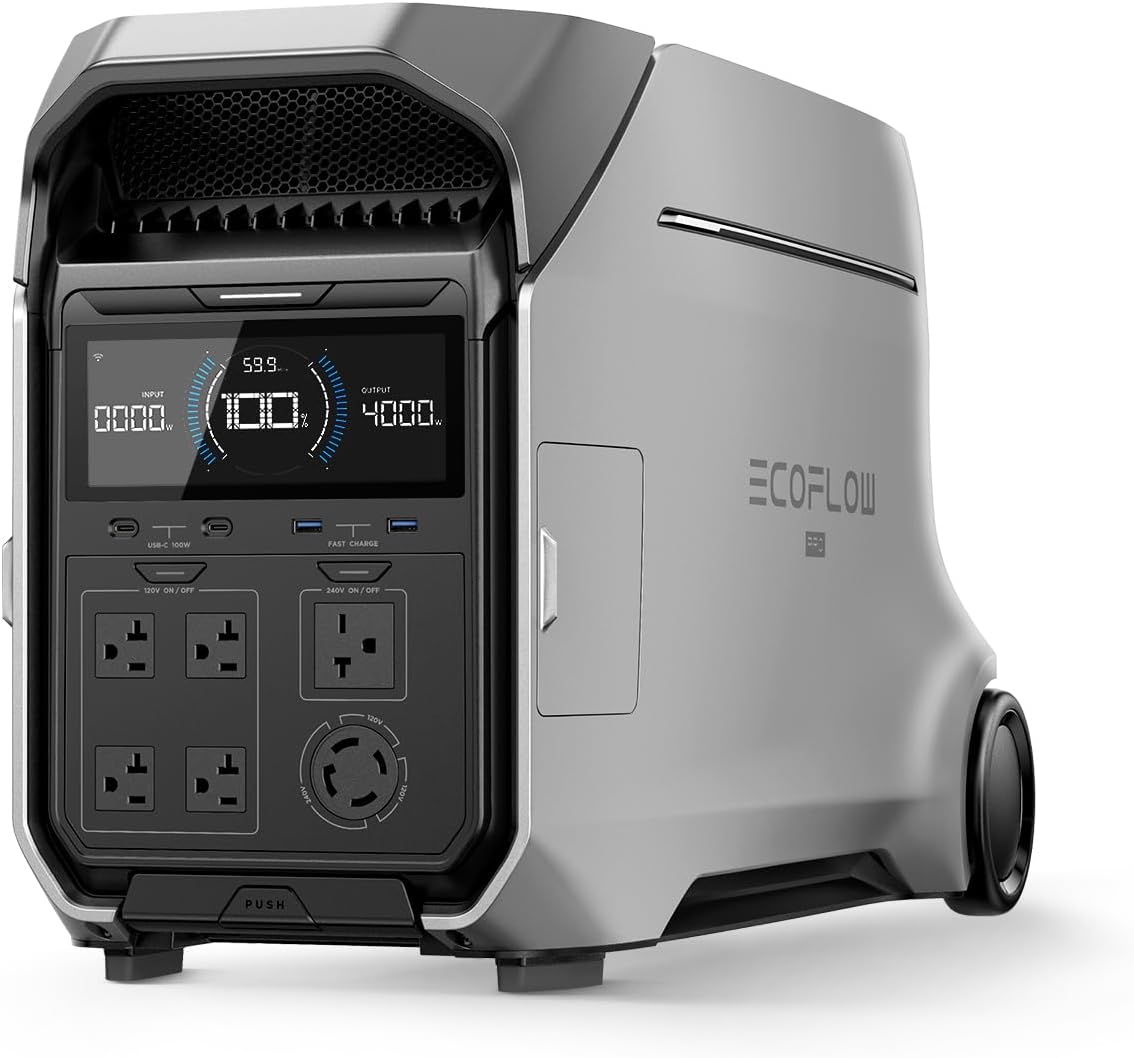
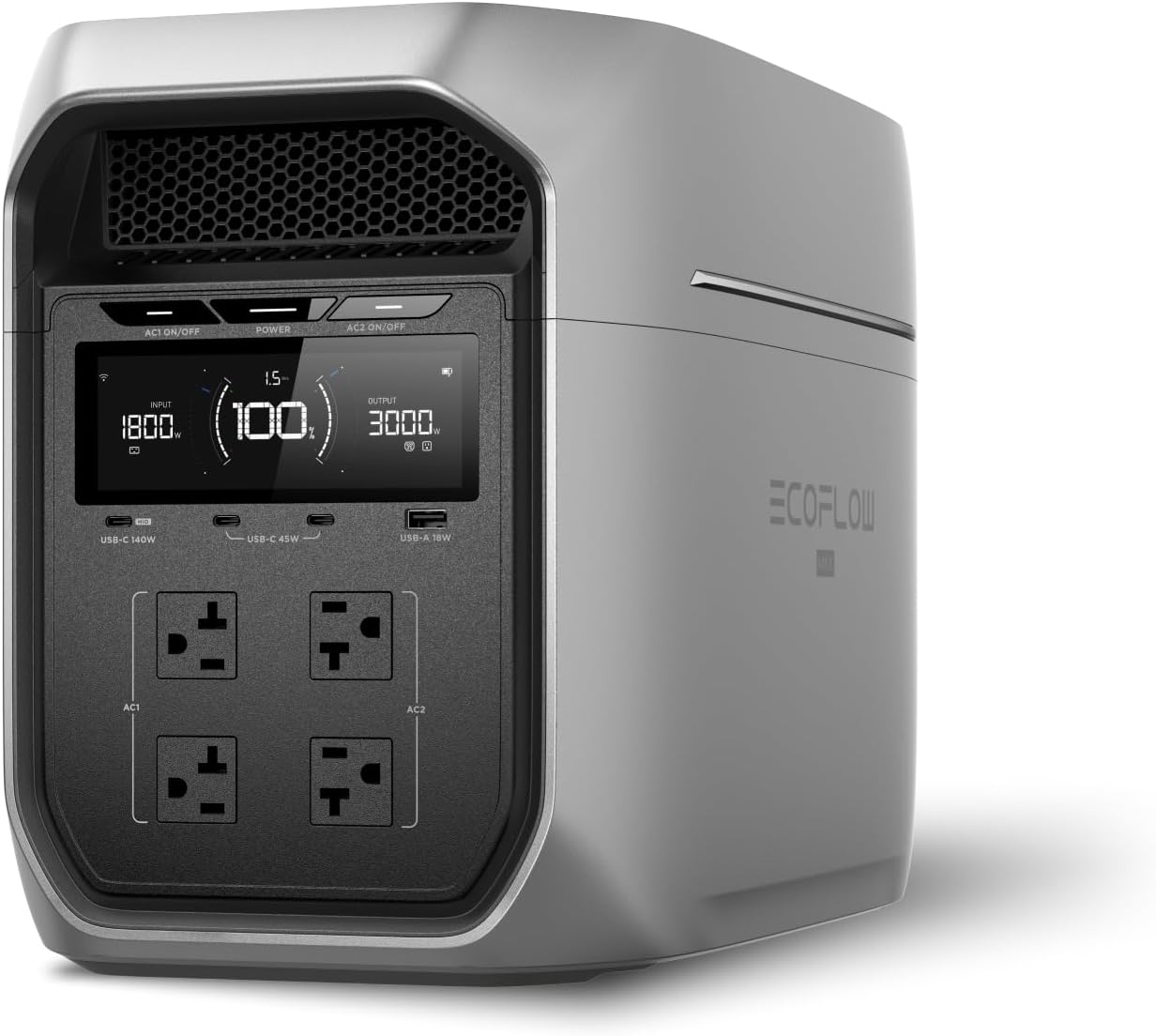
EcoFlow DELTA 3 Plus
EcoFlow's newest mid-range flagship. The DELTA 3 Plus improves on the Delta 2 with faster charging, LiFePO4 chemistry, and UPS functionality — all at a lower price.
Frequently Asked Questions
Are power stations allowed in college dorms?
Battery-based portable power stations like the Bluetti AC70 and EcoFlow RIVER 3 are allowed in nearly every dorm because they produce zero fumes, no carbon monoxide, and no open flame — they're just large rechargeable batteries. Gas generators are universally banned. Always check your school's residence-life housing policy, but a lithium power station is treated the same as a laptop or phone charger.
What size power station does a college freshman need?
For a dorm, a 250Wh to 800Wh power station covers nearly everything you'll need. A 245Wh unit like the EcoFlow RIVER 3 keeps your WiFi router, phone, and laptop running through a short outage, while a 768Wh unit like the Bluetti AC70 can power a mini-fridge for several hours or recharge a laptop a half-dozen times. You don't need a 2,000Wh home-backup unit in a 12-by-15-foot room.
Do I really need backup power in a dorm with reliable campus electricity?
Campus grids fail more than you'd expect — storms, transformer trips, and planned maintenance all cut power, sometimes for hours. When that happens, your dorm's WiFi access point, your laptop, and your phone all go dark right before a deadline. A small power station or a high-capacity power bank turns a stressful blackout into a non-event, and the same gear charges everything every single day regardless.
Ready to Buy? Here's What We Recommend
Based on our testing and this guide, these are the best options for most people: