Guide
Summer Study Sessions: Outdoor Learning Spaces with Reliable Power

TL;DR
Studying for summer exams outside or running an outdoor study group? Here's how to size laptop power and a WiFi backup so a dead battery never ends your session.
Final exams do not care that it is 85 degrees and the library closed for a holiday weekend. Somewhere around late May, students start migrating outdoors to study, and the question I get more than any other is some version of: how do I keep a laptop alive for a four-hour session at a picnic table with no outlet, and what happens when the WiFi cuts out mid-upload?
It is a real problem with a clean engineering answer. After running the numbers on laptop draw, connectivity loads, and a summer’s worth of group-study scenarios, I want to walk through exactly how much power you need, how to back up your connection, and which gear earns its place in the bag. The goal is the same as always: carry exactly what the session demands and not a pound more.

Start With a Real Power Budget
The single most common mistake is buying capacity based on a vibe. People grab a big station “to be safe” and haul 25 pounds of unused battery to a park bench, or they bring a tiny giveaway power bank and die at hour two. The fix is to add up what your session actually consumes in watt-hours (Wh), then add margin.
Here is a realistic full-day outdoor study load for one person, with honest consumption figures:
| Device | Power draw | 4-hour energy |
|---|---|---|
| Thin-and-light laptop (active research, note-taking) | 30-45W | 120-180Wh |
| Phone (kept topped off) | 8W average | ~32Wh |
| Wireless earbuds / case | 3W | ~12Wh |
| Travel router or hotspot | 5-7W | ~24Wh |
| Total (one person) | ~190-250Wh |
So a single dedicated study session lands around 190-250Wh. That number is the entire decision. It tells you whether you carry a one-pound power bank or a 20-pound station. If you skip the laptop and only top off a phone and earbuds, you are under 60Wh and a small bank is overkill-but-fine. The moment you add a 16-inch laptop with a discrete GPU pulling 60-90W, that 4-hour figure jumps past 350Wh and you have crossed into power-station territory.
Why Watt-Hours, Not mAh
Power banks are sold in mAh, which is meaningless across voltages. A 27,650mAh bank at 3.6V is about 100Wh; the same mAh figure at a different cell voltage is a different amount of energy. Always convert before comparing: Wh = (mAh / 1000) x cell voltage. This also matters if you are flying home for the summer, because the FAA carry-on limit for power banks is 100Wh. That is exactly why the best laptop-capable banks cluster right at 24,000-27,650mAh, which lands just under the ceiling. Our best power banks for laptops guide breaks down the high-output picks that respect that limit.
Tier 1: The One-Person Power Bank
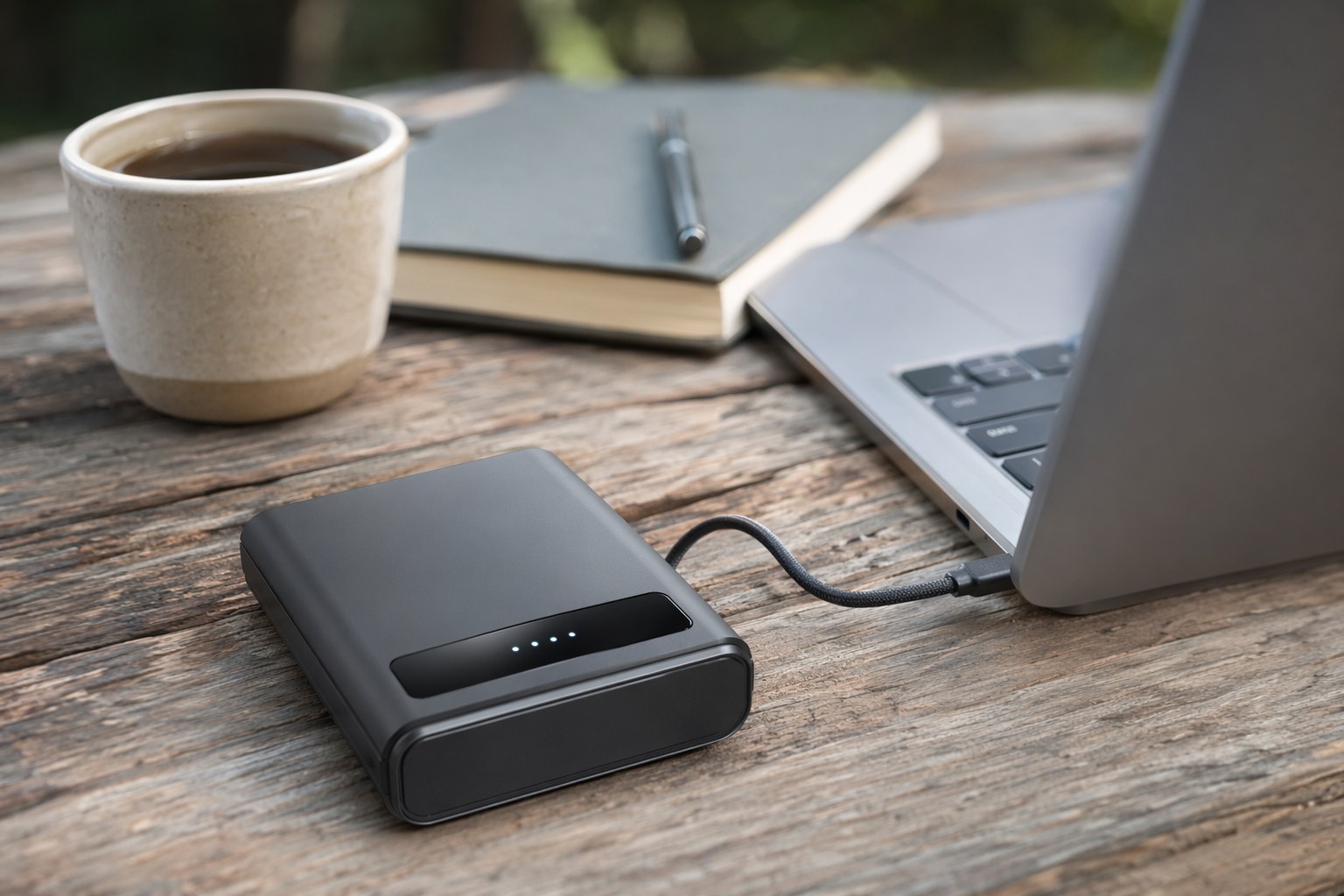
For a student studying solo for a few hours, a single USB-C Power Delivery bank is the right answer most of the time. It charges your laptop directly over USB-C, tops off your phone, and weighs almost nothing in a backpack.
The Anker Prime 27650 is my default recommendation. At roughly 100Wh it sits just under the airline limit, and its 250W total output means it fast-charges a USB-C laptop at full speed rather than the trickle you get from weaker banks. Two USB-C ports let you keep a laptop and a phone charging at once without daisy-chaining cables. In practice, that 100Wh refills a 60Wh laptop battery once with margin left for your phone, which is a comfortable single-session buffer.
If you want to shave weight and cost and you are running a lighter laptop, the UGREEN Nexode 25000 is a smart pick. It is a 25,000mAh (roughly 90Wh) unit with a 100W output and a small built-in display that shows remaining capacity and live wattage in real time. That display matters more than it sounds: glancing down to see your laptop pulling 42W tells you precisely how much session you have left, instead of guessing. For most undergraduate laptops, 100W is plenty.
A practical field note on either bank: charge it off a wall outlet to 100% the night before, then run your laptop directly off the bank rather than off the laptop’s own battery. Letting the bank carry the load keeps your laptop battery full as a reserve, so if the bank empties, you still have the laptop’s internal charge to wrap up.
Tier 2: The Study-Group Power Station
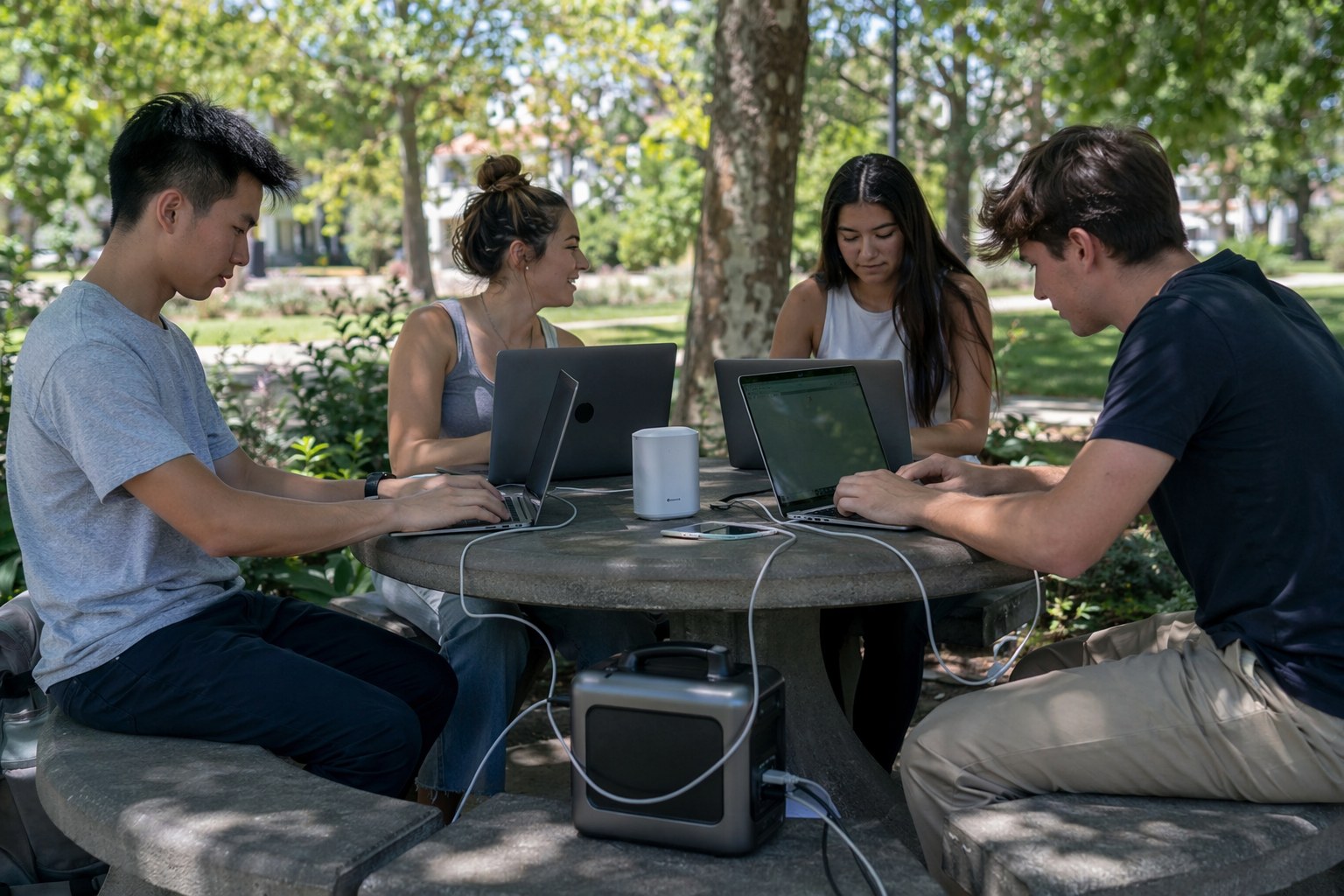
The moment you have three or four people, multiple laptops, a shared router, and maybe someone charging a tablet for readings, you have left power-bank territory. AC output and a 1,000Wh-class reserve change what an outdoor table can do.
The Workhorse Pick
The EcoFlow DELTA 3 Plus is the unit I would hand to a study group. Its 1,024Wh of LiFePO4 capacity and 1,800W output will run four laptop chargers, a router, and a couple of phone cables at the same time without breaking a sweat. Four people each pulling 45W is only 180W of continuous draw, so a full charge realistically carries a 4-person group through an entire afternoon with capacity to spare. Its 100W USB-C port charges a MacBook Pro at full speed, and it refills from empty to 80% in roughly 50 minutes on a wall outlet, so you can top it off over a lunch break. The tradeoff is weight, about 27 pounds, so this lives in a car trunk or on a small cart, not on your back.
The Bluetti AC180 hits a similar note with 1,152Wh of LiFePO4 and 1,800W output, plus a fast turbo AC charging mode. LiFePO4 chemistry is the reason I steer recurring users here: it is rated for thousands of cycles versus a few hundred for older NMC packs, so a station you cycle for study sessions all summer will still be near full capacity for the next school year.
When You Want Headroom to Spare
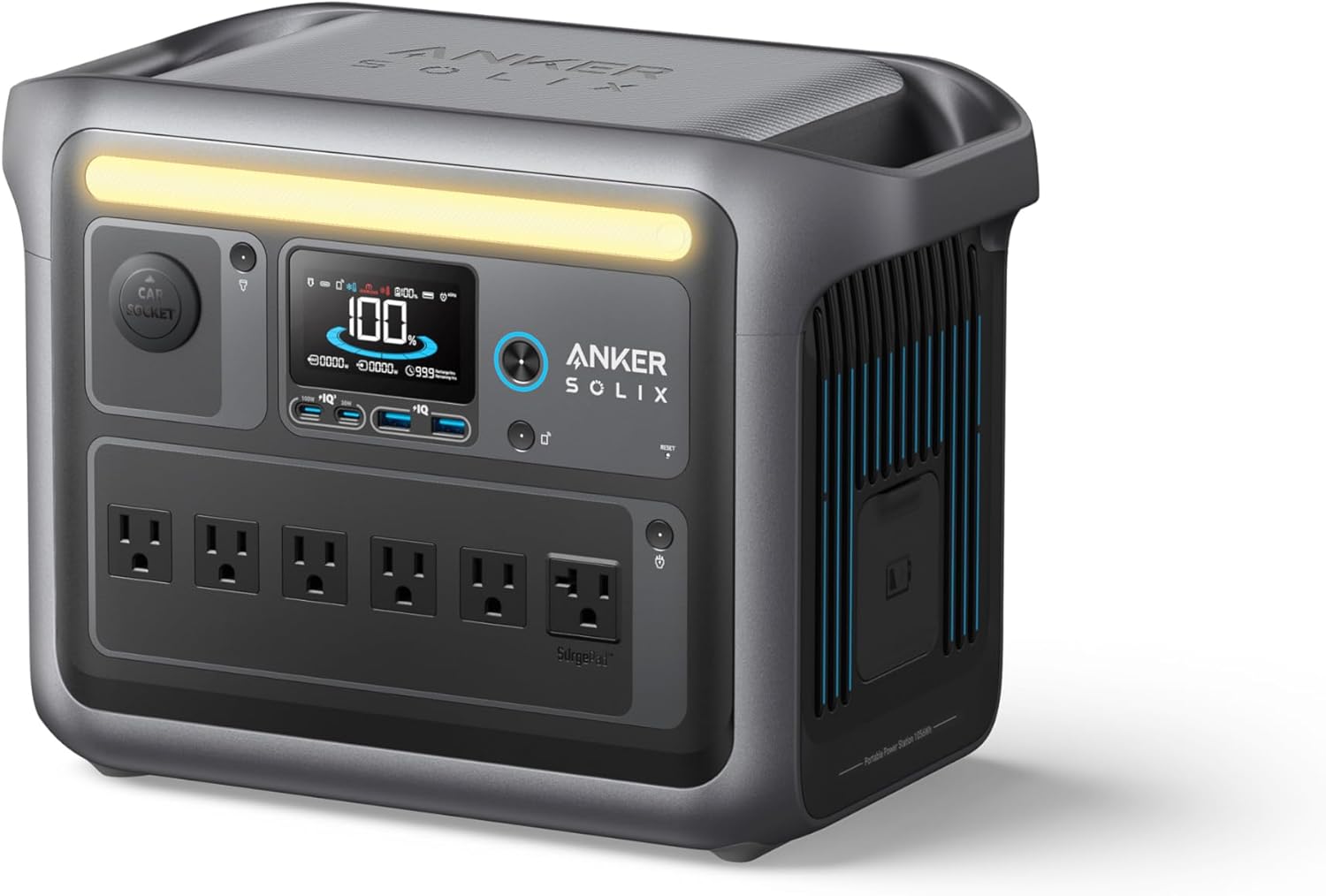
If your group runs long, swaps members through the day, or you simply hate watching a battery gauge, the Anker SOLIX C1000 gives you 1,056Wh and 1,800W of LiFePO4 muscle in a package that still charges to full in under an hour. Its real advantage for a study group is the spread of outlets: enough AC, USB-C, and USB-A ports to run several laptops, a router, and a phone-charging station without juggling adapters or a tangle of cube taps. This is the station I would put in a residence-hall lounge or a campus club’s gear closet, where a dozen people might cycle through it across a week.
The WiFi Backup Most People Forget
Power is half the equation. The other half is the connection, and it is the half that quietly kills outdoor sessions. Park WiFi has dead spots, campus networks throttle outdoors, and a single phone hotspot degrades fast once three laptops lean on it.
The fix is redundancy, not a single perfect connection. My field setup is simple:
- A small travel router or dedicated hotspot as the primary, powered off the station or a USB-C port rather than draining a phone. These pull 5-7W, which is nothing against a 1,000Wh reserve.
- A phone hotspot as the fallback, kept charged so it can take over for a few minutes if the primary drops.
- Offline-first habits. Pin your documents for offline access, queue large uploads for when the connection is solid, and write in a local app that syncs later. A dropped connection should cost you minutes, not your last hour of work.
The reason to power the router off the station instead of a phone is the same logic as Tier 1: keep your phone’s battery as a clean reserve. A phone that is also acting as a hotspot and a backup connection and your only camera is a phone that dies at the worst moment. If you are studying somewhere a connection genuinely matters and the unit will sit plugged in at home most of the time, the same monitoring instincts apply as in our best UPS with cloud monitoring guide: know your remaining runtime before you need it.
Heat Is the Hidden Variable
Battery electronics throttle when they get hot. A power station baking in direct May sun on dark pavement will quietly reduce its own output to protect the cells, and a hot laptop will throttle its CPU and drink more power doing the same work. LiFePO4 tolerates heat better than older chemistries, but the inverter and DC-to-DC converters still derate.
Keep the station shaded: under the table, in a vented bag, or in the building’s shadow. The difference between a unit at 25C and one cooking at 45C is a meaningful drop in sustained output, and it is entirely avoidable. Same goes for your laptop. A machine left closed in the sun between sessions will be hot and slow when you reopen it. Five minutes of shade is free performance.
A Sample All-Day Study Plan
Here is how I would actually deploy this for a 4-person group running a Saturday study marathon at a park:
- Before leaving: Station charged to 100% overnight. Power bank topped off. Documents pinned for offline use.
- Morning block: Station out, shaded under the table. Four laptops on AC and USB-C, travel router powered off the station. Group hotspot phone kept charged but idle.
- Lunch: If you are near an outlet, top the station off in 50 minutes. If not, the group has barely dented a 1,000Wh reserve, so do not bother.
- Afternoon block: Same setup. Watch the gauge once an hour. A 180W group draw against 850Wh of usable energy is roughly four and a half hours, which matches the session.
- Wrap-up: Queue any large uploads while the connection is solid, then pack the cables in the same bin as the station so nothing gets left on the table.
For students living somewhere they cannot run a generator and want a station that doubles as home backup the rest of the year, the same sizing logic carries over in our power station for apartment dwellers guide.
The Bottom Line
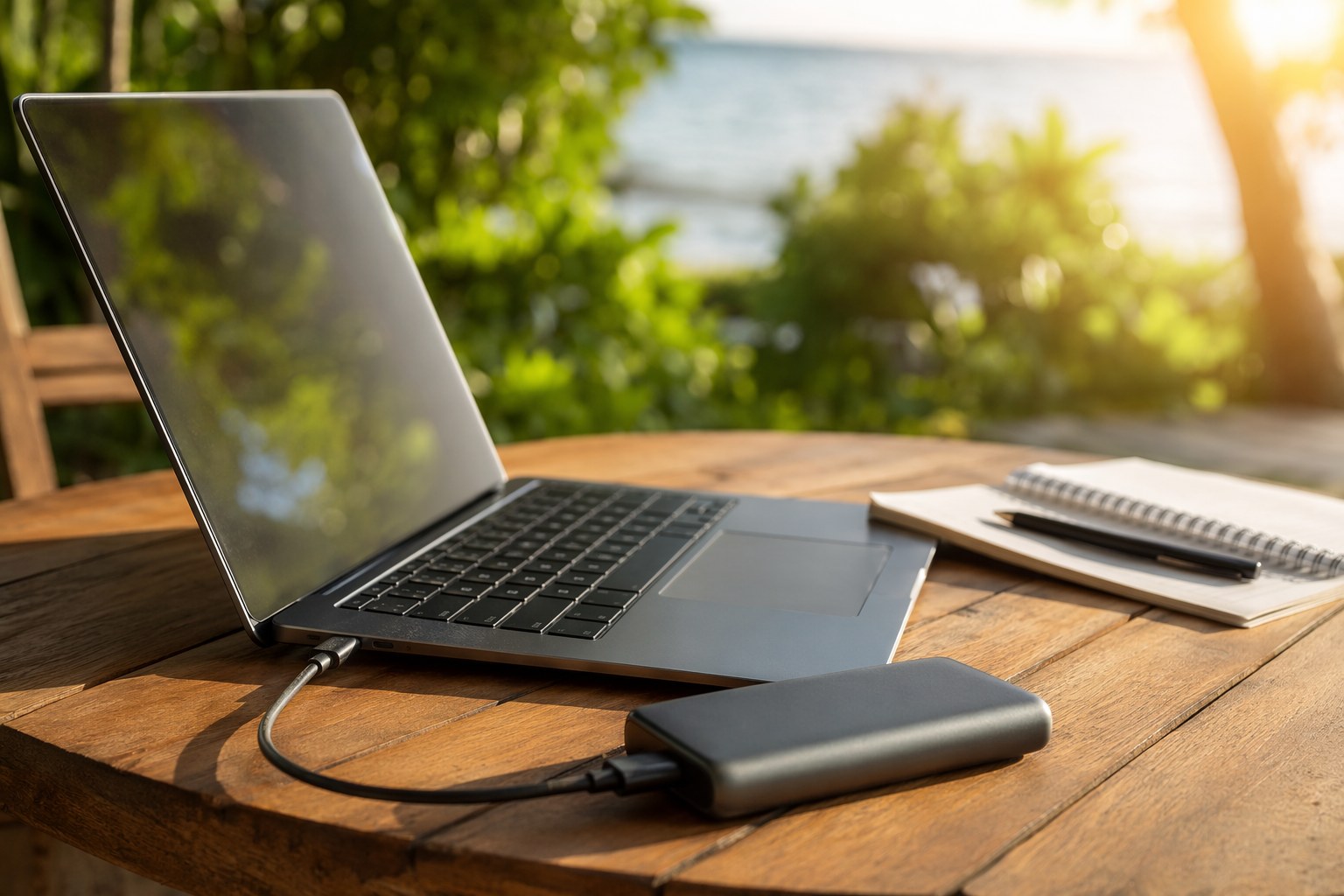
Match the tool to the session. A solo student studying for a few hours wants a 100Wh USB-C bank like the Anker Prime or the UGREEN Nexode, charged the night before and running the laptop directly. A study group wants a 1,000Wh LiFePO4 station, the EcoFlow DELTA 3 Plus or Anker SOLIX C1000, kept shaded, with a small router powered off it and a phone hotspot held in reserve.
Do the watt-hour math once, build a connection backup into the plan, keep the battery out of the sun, and an outdoor study session stops being a gamble. A dead laptop or a dropped upload becomes a non-event, which is exactly what you want when the exam is Monday.
Recommended Power Stations
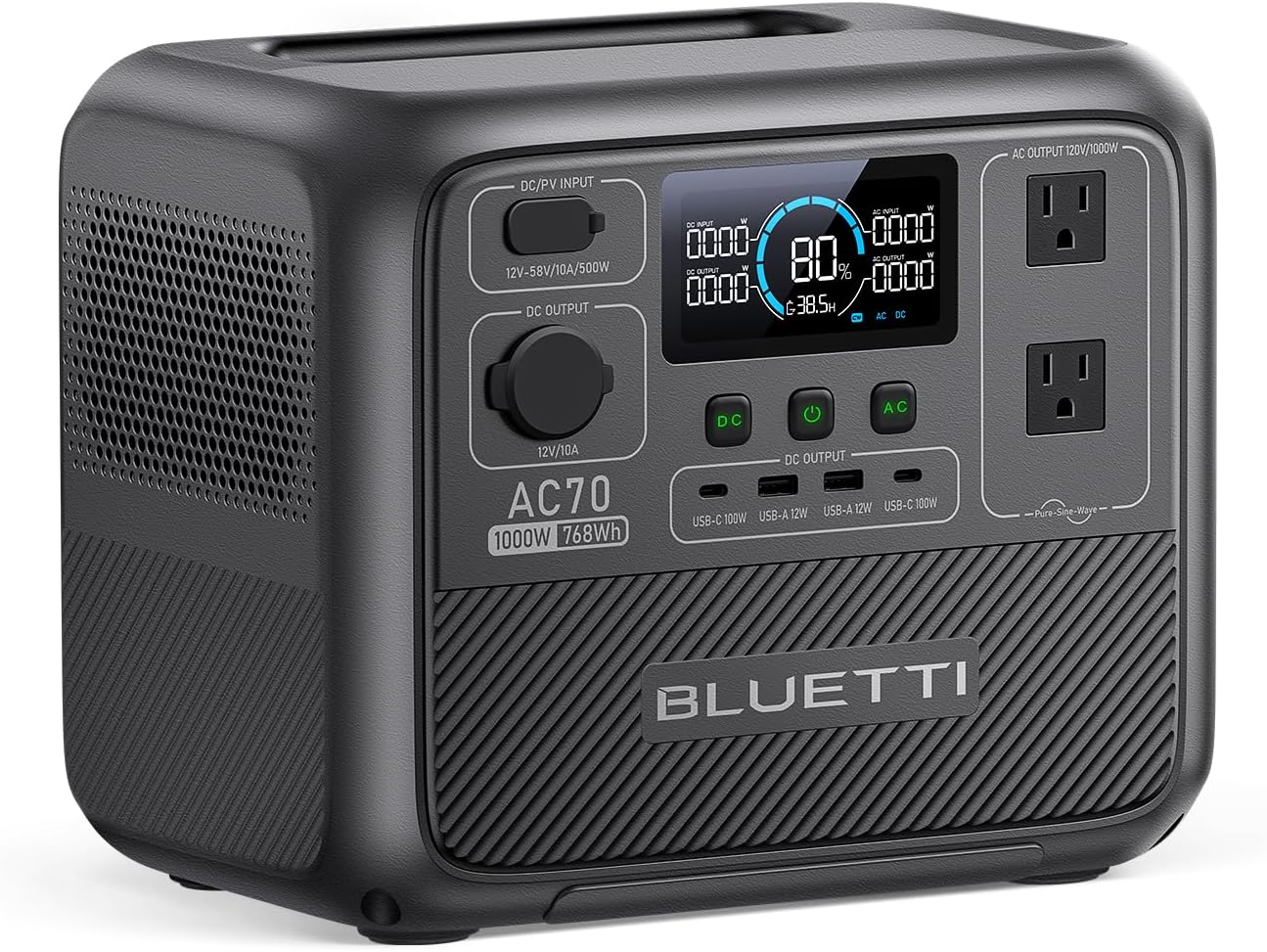
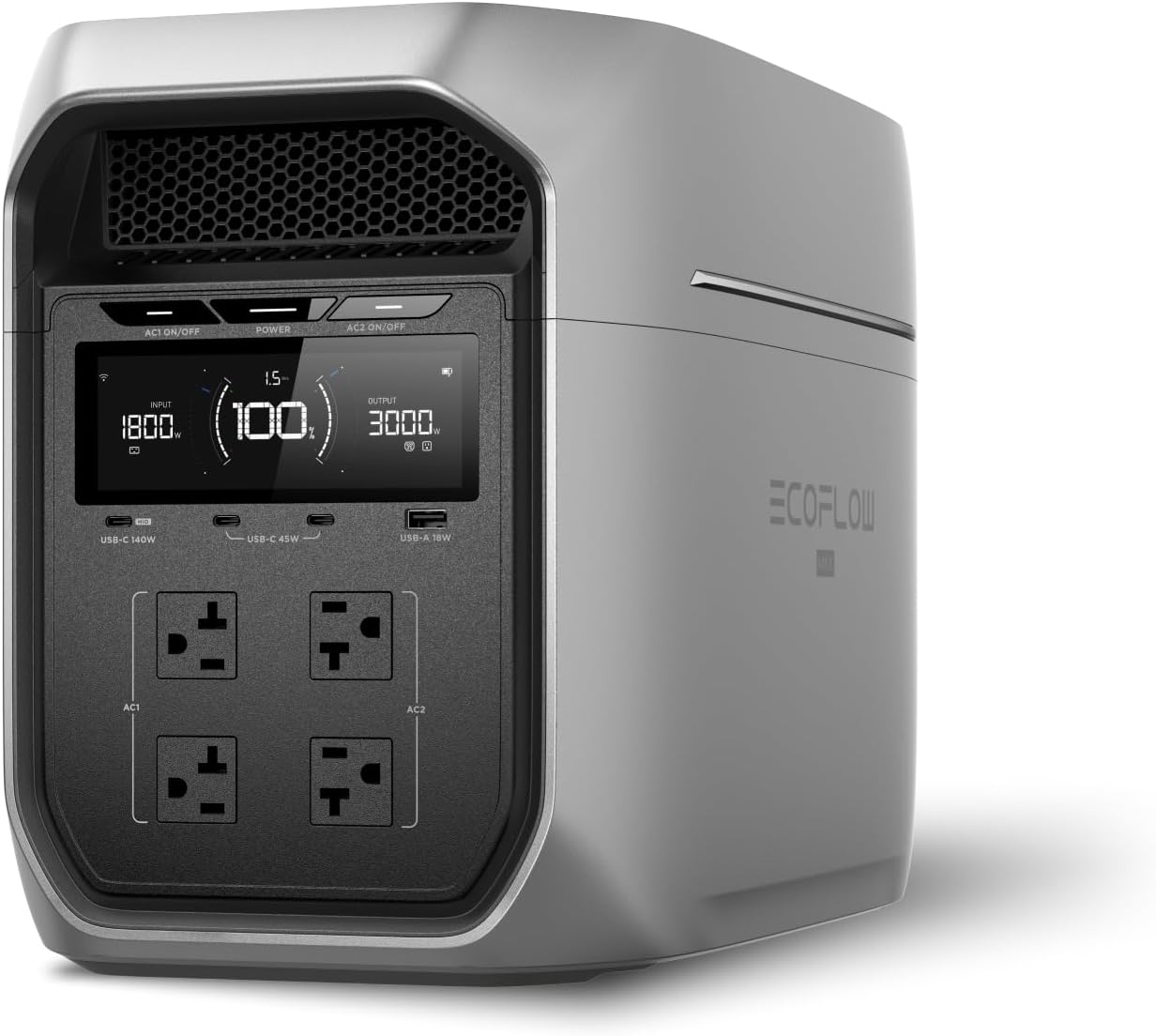
EcoFlow
EcoFlow DELTA 3 Plus
EcoFlow's newest mid-range flagship. The DELTA 3 Plus improves on the Delta 2 with faster charging, LiFePO4 chemistry, and UPS functionality — all at a lower price.
Frequently Asked Questions
How long will a power bank run my laptop for an outdoor study session?
A 100Wh power bank like the Anker Prime 27,650mAh delivers roughly 85Wh after conversion losses. A typical thin-and-light laptop draws 30-45W during web research and note-taking, so expect about 2 to 2.5 hours of charging from empty, or a full top-off plus a buffer for a phone. If you're running a 16-inch laptop with a discrete GPU pulling 60-90W, you'll get closer to 1 to 1.5 hours, which is when a power station makes more sense.
Do I really need WiFi backup, or can I just use my phone hotspot?
A phone hotspot is the right answer for one person for an hour. For a study group or an all-day session, it drains your phone fast and the connection degrades as more devices join. A dedicated travel router or a hotspot powered off a separate battery is more stable. The real point is redundancy: park-WiFi and cellular both have dead spots, so having a charged backup means a dropped connection costs you minutes, not the session.
Can I leave a power station charging in direct summer sun while we study?
You can run it, but keep it shaded. Lithium battery electronics throttle output when they get hot, and a station baking in direct sun on dark pavement can quietly derate its inverter to protect the cells. LiFePO4 units tolerate heat better than older chemistries, but the difference between a station at 25C and one cooking at 45C is real lost output. Set it under the table, in a bag with airflow, or in the shade of the building.
Ready to Buy? Here's What We Recommend
Based on our testing and this guide, these are the best options for most people: