Guide
Tech Workers & Remote Teams: Portable Power for Off-Site Collaboration Spaces

TL;DR
Running an off-site team meeting, a pop-up co-working day, or fieldwork without reliable outlets? Here's how to power laptops, Wi-Fi, and peripherals for a full day with portable power stations and banks.
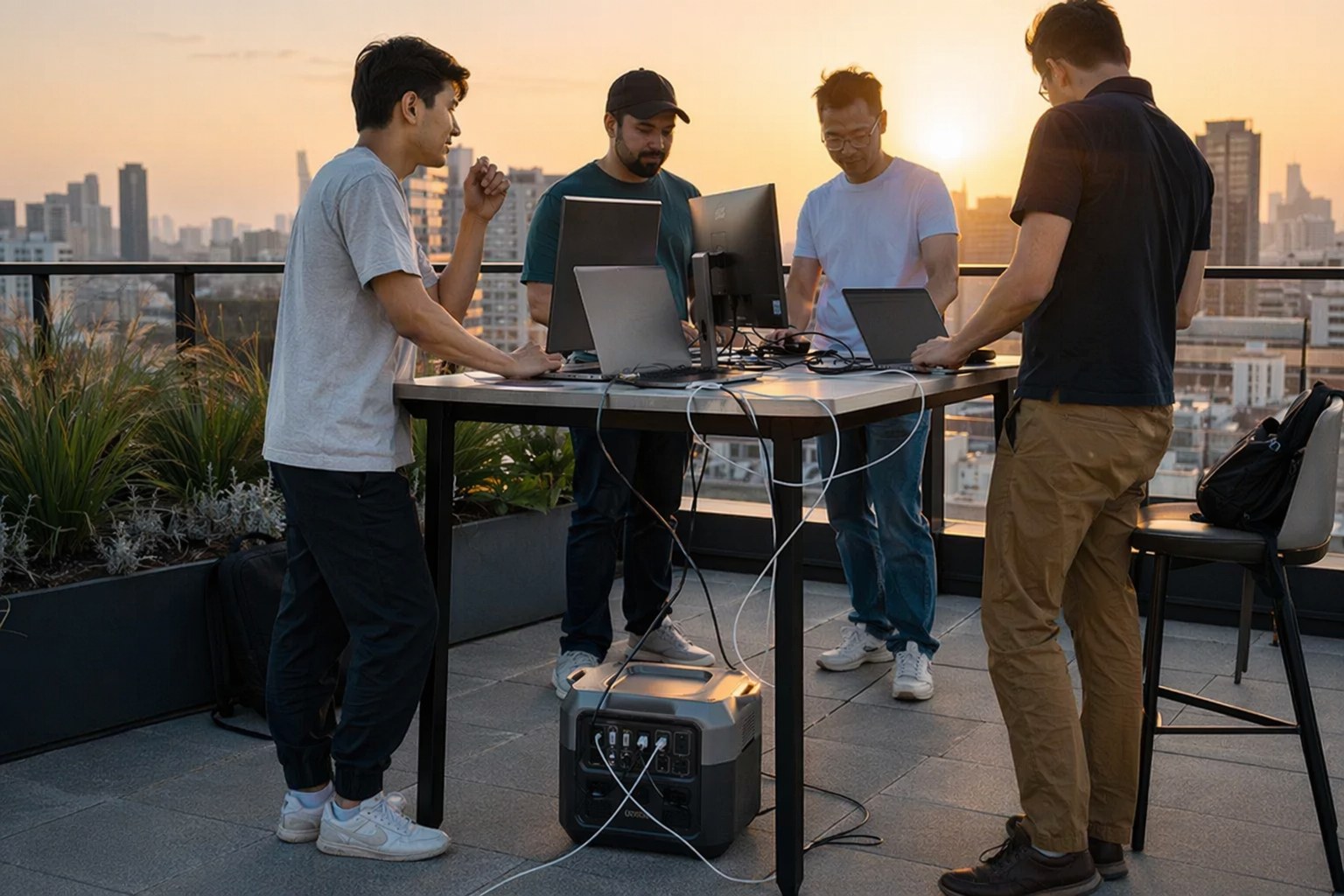
I run a small distributed engineering team, and a few times a year we get everyone in the same place — a rented cabin, a rooftop terrace, a park pavilion, a half-finished office before the electrician shows up. Every single time, the same thing happens: someone’s laptop dies, the venue has two outlets for twelve people, and the “guest Wi-Fi” turns out to be a hotspot somebody is babysitting under a table.
I spend most of my professional life around home electrical and EV charging, so I tend to overthink power. But this is exactly the kind of problem portable power solves cleanly. A single power station turns a charming-but-impractical space into a functional workspace for a day. Here’s how I size and pack power for off-site collaboration, with the gear I actually reach for.
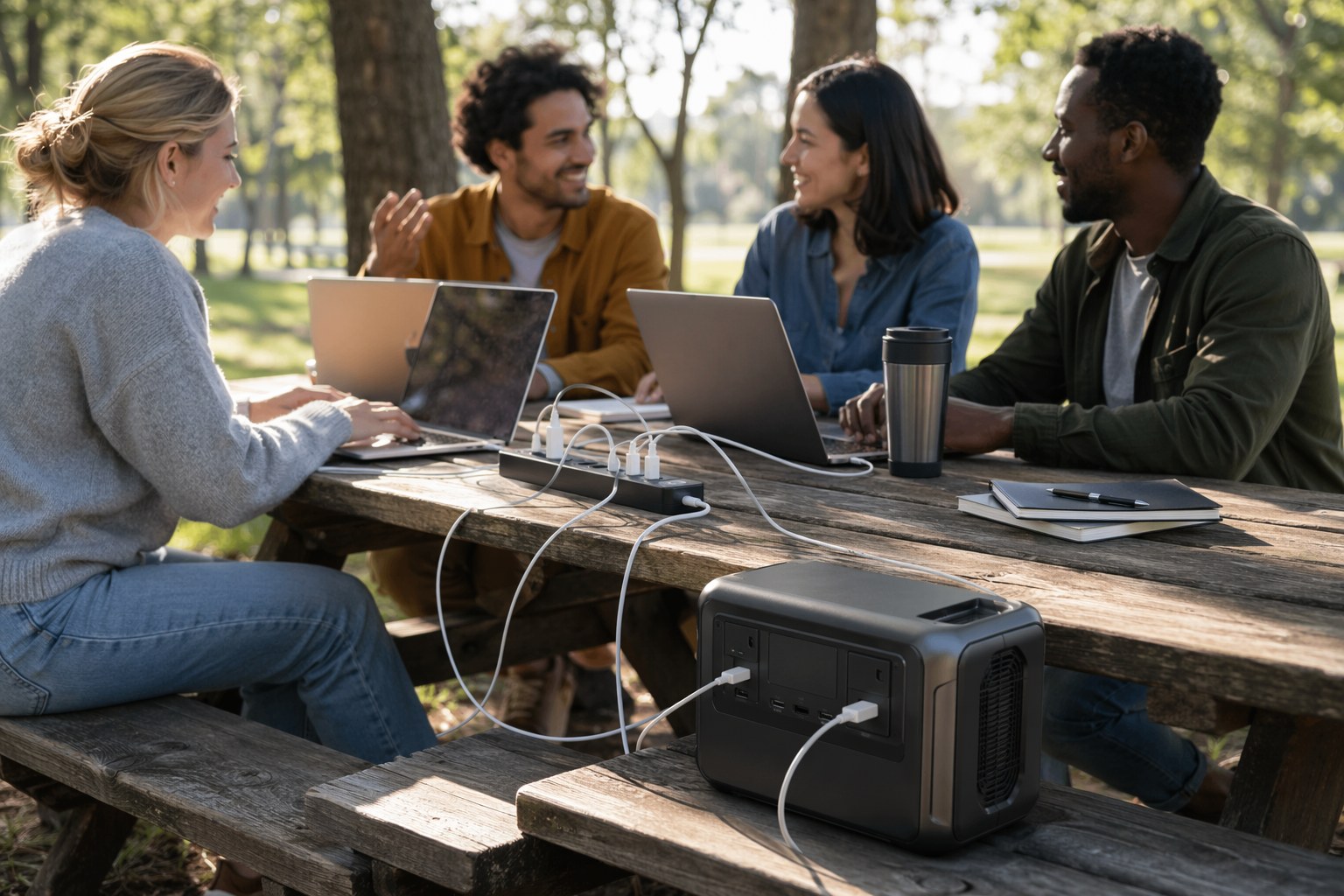
Figure Out Your Real Load First
Before you buy or pack anything, do the boring math. It takes five minutes and it’s the difference between a smooth day and a dead battery at 2 PM. Off-site work loads are almost always lighter than people expect, which is good news.
Here’s a typical four-person collaboration setup:
| Device | Typical Draw | Notes |
|---|---|---|
| Laptop (active + charging) | 45-65W each | MacBook Pro 14” peaks ~60W; ultrabooks less |
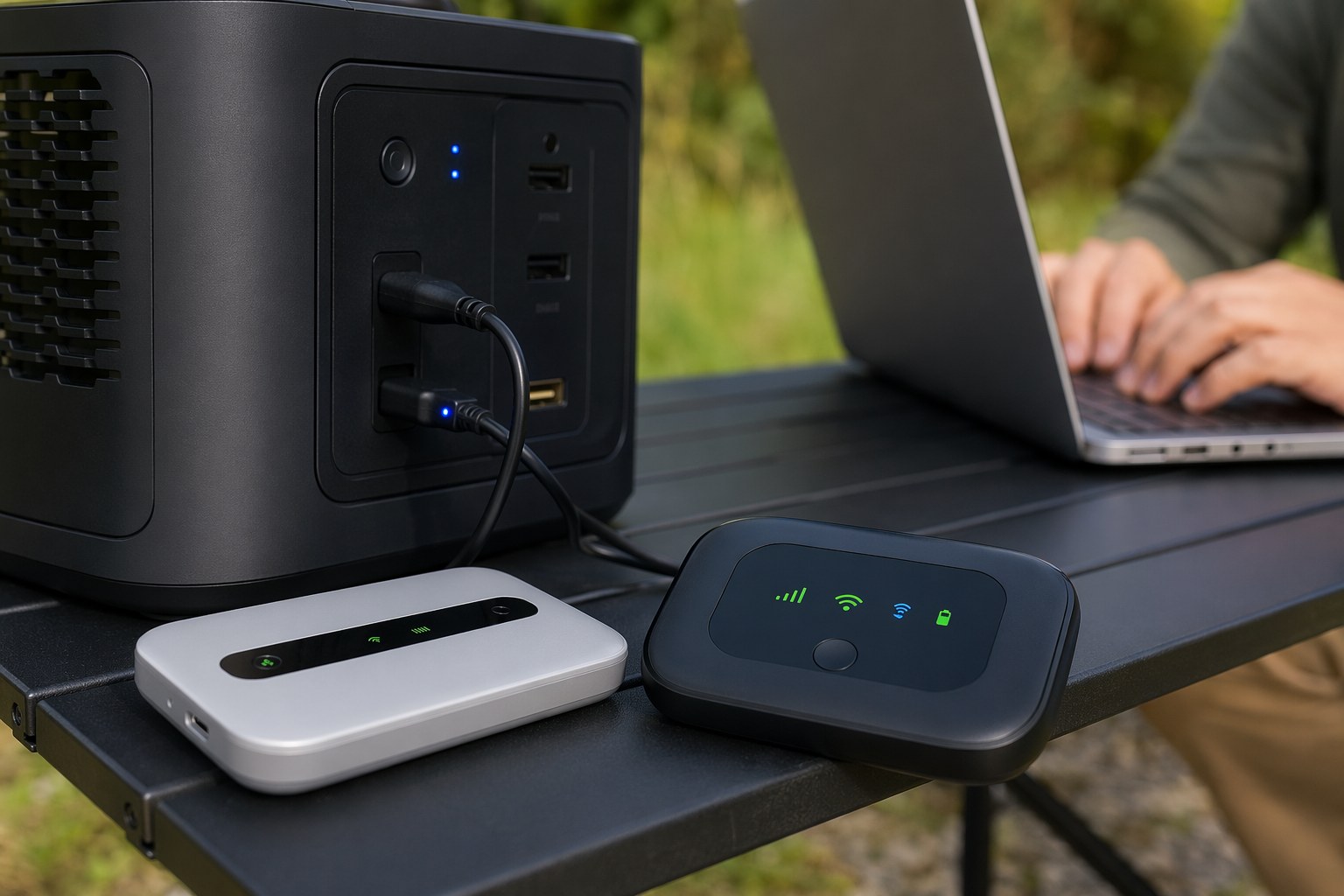
| Portable Wi-Fi router / 5G hotspot | 6-20W | Negligible, but mission-critical |
| Phone charging | 10-18W each | Stagger these; nobody needs 100% at once |
| Portable monitor (optional) | 8-15W | USB-C portable panels are very efficient |
| Small projector / screen (optional) | 80-200W | This is your big swing item |
Four laptops at ~55W plus a router and rotating phone charging lands you around 110-150W of sustained draw. That’s a light load, and it’s the number that drives everything else. Add a projector for a presentation block and you’ll briefly spike to 250-350W, which changes your station choice. If you want to dig into the watt math itself, our work-from-home professionals power guide breaks down the per-device numbers in more detail.
The Two Things That Matter Most: Capacity and Quiet
Two specs decide whether a station works for a collaboration space.
Watt-hours (Wh) determine runtime. Take your sustained load, divide the station’s usable capacity by it, and shave off about 12-15% for inverter conversion losses. A 1000Wh station running a 130W team load gives you roughly (1000 × 0.85) ÷ 130 ≈ 6.5 hours. That’s most of a working day. Drop the monitors and run lean and you’ll stretch past 8.
Fan noise determines whether anyone can stand it. You will be on calls. A station that ramps its fans like a hair dryer the moment you plug in is a non-starter in a quiet room. The good news: under a light 130W load, a quality 1000Wh+ station barely runs its fan at all. Noise only becomes an issue when you push toward the unit’s rated output — which is exactly why I oversize. A station loafing at 15% of its capacity is a silent station.
A close third is UPS pass-through. If your venue has any wall power, even one flaky outlet, plug the station into the wall and plug your router and key gear into the station. The station passes wall power through normally and switches to battery in 10-20 milliseconds if the venue power hiccups. Your connection never drops, nobody’s call cuts out, and you’re effectively running a giant uninterruptible power supply for the whole table. For teams that need monitoring on top of that, our UPS units with cloud monitoring roundup covers the always-on home-base side of this.
My Go-To Power Stations for Off-Site Days
The all-day workhorse: EcoFlow DELTA 3 Plus
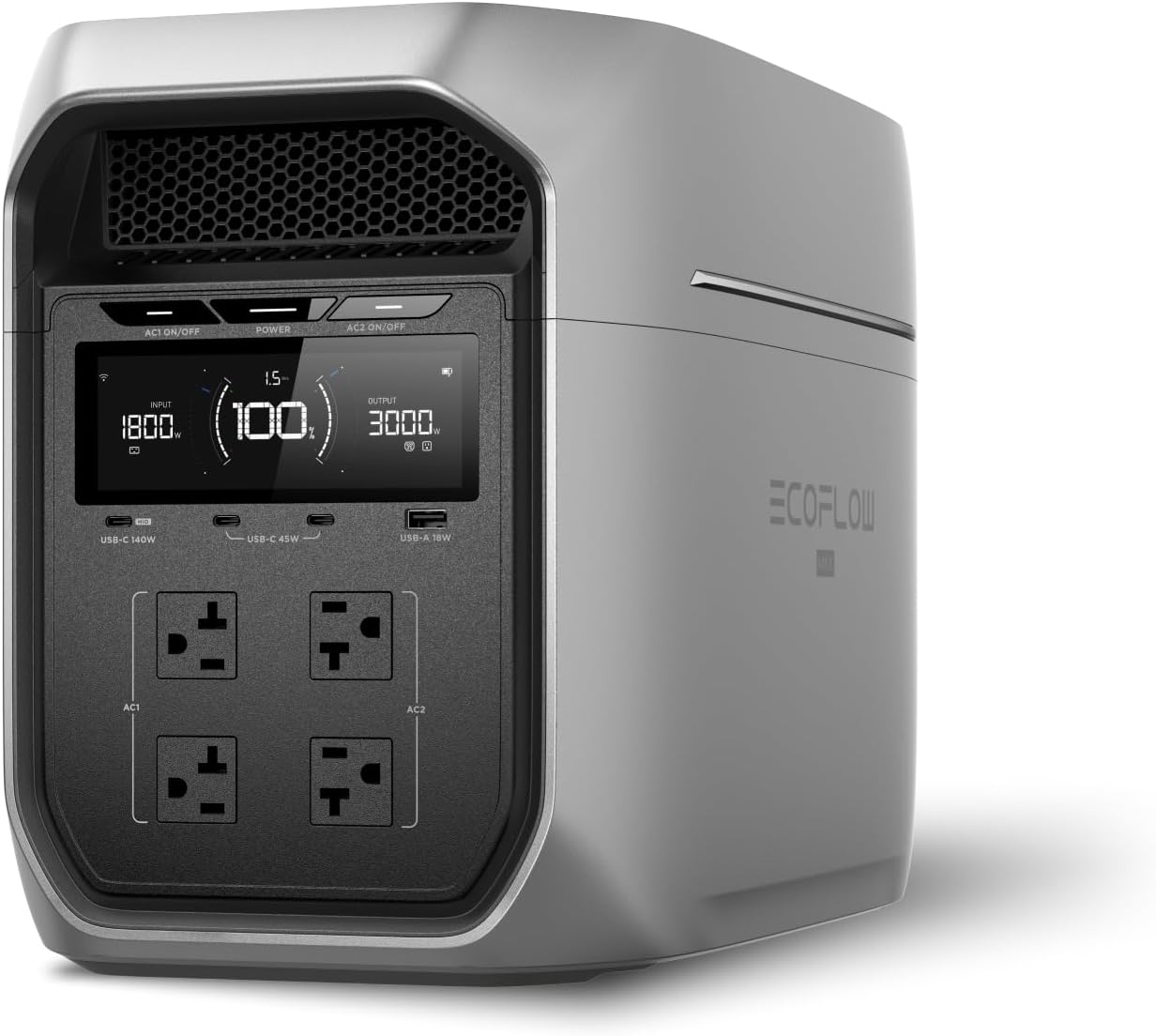
The EcoFlow DELTA 3 Plus is the one I throw in the car for almost every offsite. It’s a 1024Wh LFP unit with 1800W of continuous AC output across multiple outlets, plus USB-C ports that hit 100W — enough to fast-charge a laptop directly without burning an AC outlet on a charging brick.
What makes it ideal for teams: the UPS switchover is genuinely fast (under 10ms), the fan stays silent at the light loads team work produces, and it recharges from empty to full in under an hour on wall power. That last part matters more than people realize. If your venue has even one outlet, you can keep this topped off in the background and effectively run indefinitely. The LFP chemistry is rated for 4,000+ cycles, so this survives years of being hauled around.
The value pick: Anker SOLIX C1000
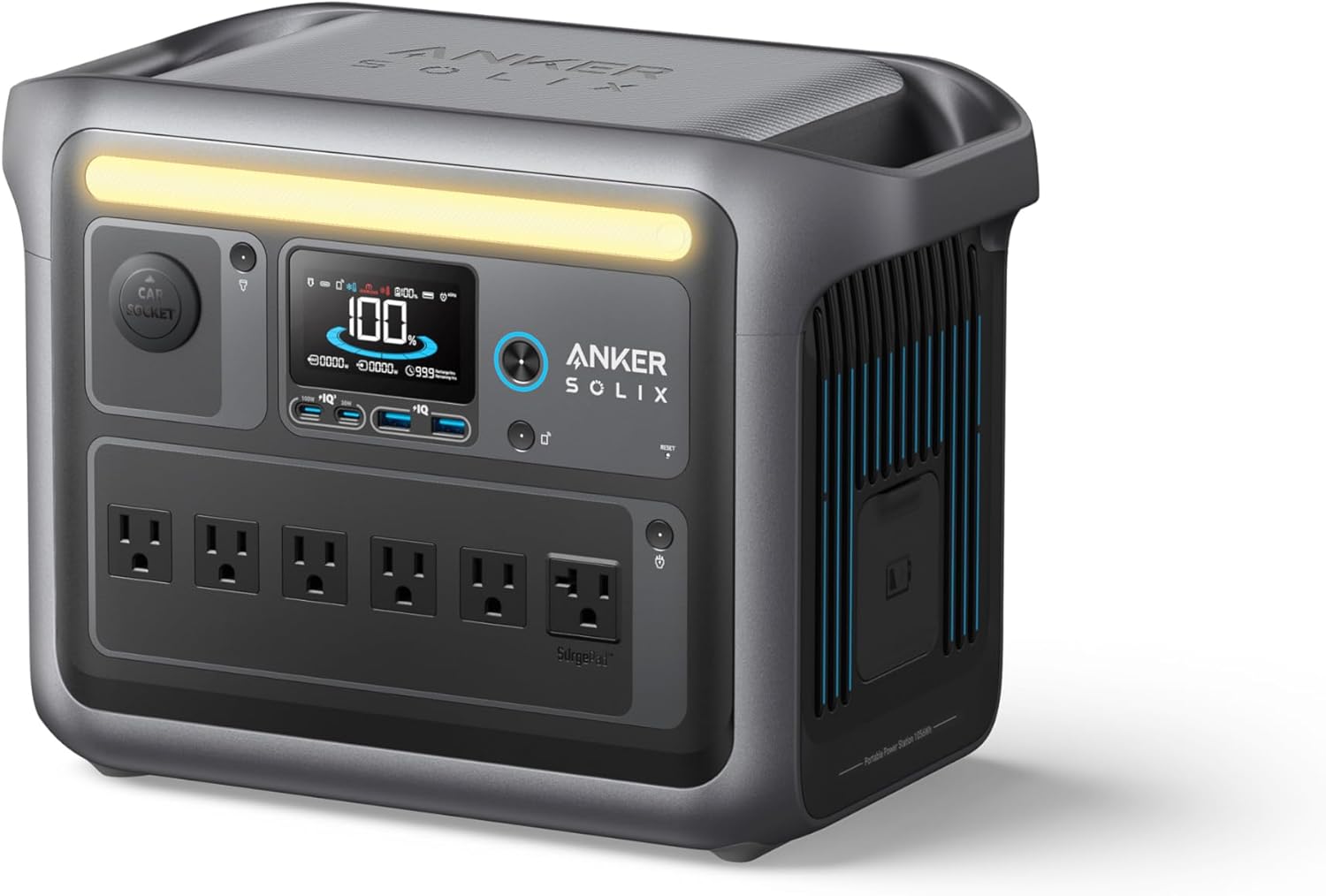
The Anker SOLIX C1000 is the one I recommend when someone on the team wants their own unit and doesn’t want to spend EcoFlow money. It’s 1056Wh — a hair more capacity than the DELTA 3 Plus — with the same 1800W output and six AC outlets, which is plenty for a four-to-six person table.
Its UPS mode switches in under 20ms, which is seamless for laptops (their internal batteries bridge any gap anyway) and fine for a router. Anker’s app is clean for checking charge level from across the room, and full recharge takes under an hour. It’s a little heavier and a little louder at high load than the DELTA, but for a collaboration space running well under its limit, you’ll never hear it.
The carry-anywhere option: Bluetti AC180
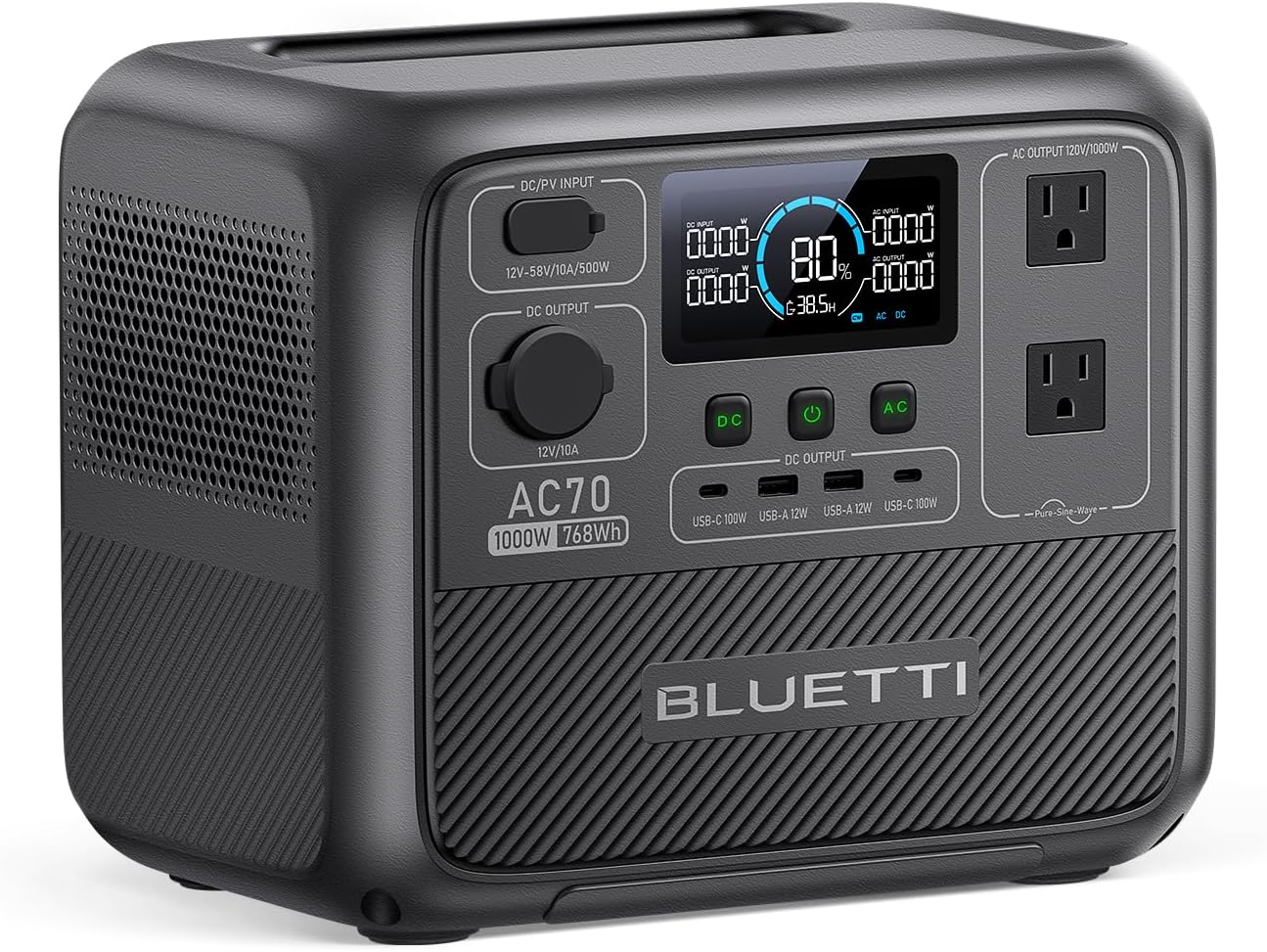
When the “off-site” is actually a coffee shop, a client’s lobby, or a cramped startup before the desks arrive, I downshift to the Bluetti AC180. At 1152Wh and 1800W (with Power Lifting up to 2700W for brief spikes), it’s surprisingly capable for its footprint, and the handle design makes it easy to grab and go.
The AC180 is my pick when you might need to power a single heavier item occasionally — a small printer, a portable monitor array, a phone-charging station for a workshop of strangers — without committing to a big rolling unit. Its 80% recharge in about 45 minutes means short breaks keep it alive. It’s the bridge between “personal device charging” and “real workspace power.”
When Power Banks Are the Smarter Pack
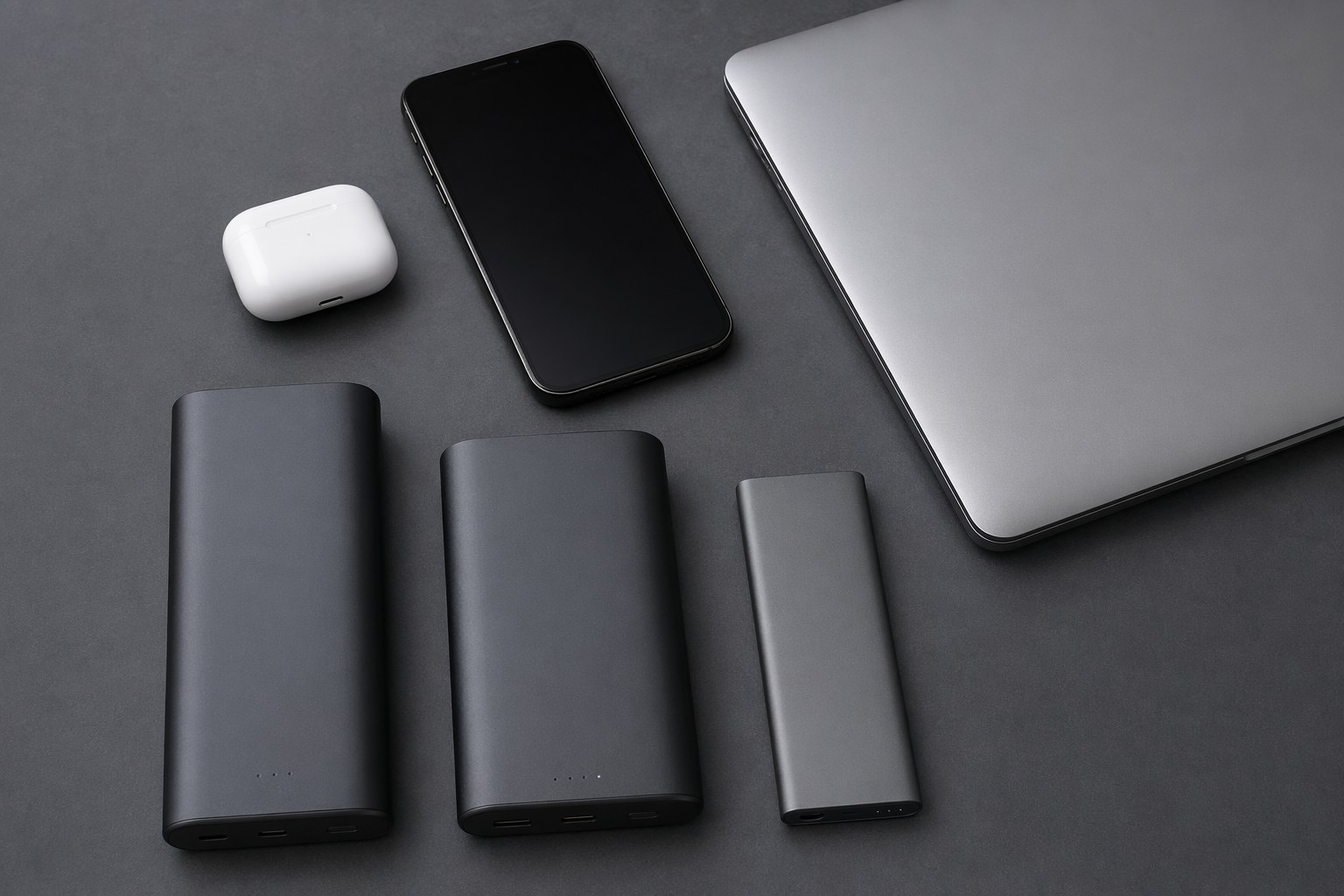
Not every off-site needs a 30-pound box. If your team works on USB-C laptops and the day is a half-day brainstorm, two good power banks beat lugging a station up three flights of stairs.
The Anker Prime 27,650 is the one I keep in my bag year-round. It’s a ~99.5Wh pack (the legal carry-on ceiling) that pushes up to 250W across its ports, so it’ll fast-charge two laptops at once. One of these can typically take a modern ultrabook from 20% to full a couple of times, or keep a single laptop alive through an afternoon of meetings.
The UGREEN Nexode 25,000 is the value sibling — slightly less output but a great two-laptop-or-laptop-plus-phones bank for the price. I hand these out so each person carries their own buffer instead of fighting over a single station.
The honest limitation: power banks can’t run anything that needs an AC wall plug. No router AC adapter, no projector, no powered speaker. They charge devices that already have batteries. For a true pop-up workspace, you want a station for the shared infrastructure (router, monitors, projector) and banks as personal top-ups. That combination is what I bring to anything longer than a few hours. For a deeper look at always-on remote setups, our best power station for remote work guide compares the runtime math head to head.
How I Actually Pack and Run a Team Offsite
A few field-tested habits that save the day:
Bring a flat power strip, not a tangle of bricks. One AC outlet on the station plus a six-outlet strip serves the whole table far more elegantly than four people each claiming an outlet. Surge-protected strips are cheap insurance.
Put the router on the station first, everything else second. Connectivity is the thing that ruins an offsite. A 5G hotspot or travel router draws almost nothing, so it should be the first thing plugged in and the last thing you’d ever unplug. If the station has UPS pass-through and there’s a wall outlet, this guarantees the connection survives venue power blips.
Stagger charging. Nobody needs every laptop and phone at 100% simultaneously. Charge two laptops while two people work on battery, then swap. This flattens your peak draw and dramatically extends runtime.
Lean on USB-C for laptops. Charging a laptop over the station’s USB-C PD port skips the DC-to-AC-to-DC round trip you’d take through an AC charging brick, so it’s measurably more efficient. On a long day, that efficiency is free runtime.
Top off at every opportunity. Car 12V outlet on the drive over, a wall outlet at lunch, anything. Modern stations recharge fast enough that 30 minutes of opportunistic charging meaningfully extends your day. Treat the battery like a fuel tank you keep topped, not a one-shot reserve.
Mind the heat. Set the station on a hard surface with clearance around the vents — not buried in a tote bag, not on a thick blanket. Under light loads it’ll stay cool and quiet, but it still needs to breathe.
The Bottom Line
Off-site collaboration fails on power more often than it fails on agenda. The fix is unglamorous and reliable: a quiet 1000Wh-class power station for the shared infrastructure, a couple of USB-C banks for personal buffers, and five minutes of load math before you leave.
For most teams, the EcoFlow DELTA 3 Plus is the do-everything pick, with the Anker SOLIX C1000 as the value alternative and the Bluetti AC180 for grab-and-go days. Round it out with an Anker Prime 27,650 per person and your team can work a full day anywhere there’s a flat surface and decent sunlight through the window.
Related Reading
- Best Power Station for Remote Work — runtime math for a single workstation
- Power Station for Work-From-Home Professionals — per-device draw and home setups
- Best UPS with Cloud Monitoring — keeping your home base online while you’re out
Recommended Power Stations
EcoFlow
EcoFlow DELTA 3 Plus
EcoFlow's newest mid-range flagship. The DELTA 3 Plus improves on the Delta 2 with faster charging, LiFePO4 chemistry, and UPS functionality — all at a lower price.
Frequently Asked Questions
How big a power station does a remote team of four need for a full day?
For four laptops, a portable router or hotspot, and phone charging, you're looking at roughly 100-160W of sustained draw. A 1000Wh-class station like the EcoFlow DELTA 3 Plus or Anker SOLIX C1000 covers that for about 6-9 real-world hours, accounting for inverter losses. If you want to run external monitors or a small projector too, step up to a second station or budget for closer to 250-300W and plan to top off from a wall or car during lunch.
Can I just use power banks instead of a power station for a team offsite?
For a short half-day with laptops that charge over USB-C, yes — a couple of high-capacity USB-C banks like the Anker Prime 27,650 or UGREEN Nexode 25,000 can keep four people topped up. But power banks can't drive a router's AC adapter, a projector, or anything that needs a wall plug, and they run dry fast under heavy load. For anything approaching a full day or a real workspace, a power station is the right tool and banks become useful backups.
Will a portable power station run a Wi-Fi router or 5G hotspot?
Yes, and this is one of the best uses for one. Routers and hotspots sip power — usually 6-20W — so a 1000Wh station can keep your connectivity alive for well over a day on that load alone. The bigger win is UPS pass-through mode: plug the station into a wall outlet when one exists, plug your router into the station, and the connection survives any blip in venue power without rebooting.
Ready to Buy? Here's What We Recommend
Based on our testing and this guide, these are the best options for most people: