Buying Guide
Best Power Station for Remote Work (Home Office Backup Guide)

TL;DR
Find the best power station for working from home during outages. We break down office wattage, runtime math, and top picks with UPS mode.
When the power goes out at 2 PM on a Tuesday, your deadline doesn’t move. Your Zoom call doesn’t reschedule itself. You need to keep working.
A portable power station is the most practical backup power solution for a home office — quieter than a generator, safer than running extension cords from your car, and powerful enough to keep your entire setup running for a full workday. Here’s how to pick the right one.
What Does a Home Office Actually Draw?
Before you buy anything, you need to know your actual power consumption. Here’s a typical laptop-based home office:
| Device | Typical Wattage |
|---|---|
| Laptop (charging + active use) | 50-65W |
| External monitor (24-27”) | 25-35W |
| Wi-Fi router | 10-20W |
| LED desk lamp | 8-12W |
| Phone charging | 10-15W |
| Total | ~112W |
That 112W figure is what we’ll use for runtime calculations. Your actual number might be higher or lower — use our Power Calculator to model your exact setup.
Important: If you use a desktop PC instead of a laptop, your draw jumps significantly. A mid-range desktop pulls 150-250W, and a gaming rig can hit 300-500W. That changes the calculus entirely — see our how much power does your home actually use guide for details.
How Long Different Capacities Last
Here’s the runtime math for a 112W home office load, factoring in ~15% inverter efficiency loss:
| Station Capacity | Real-World Output | Runtime at 112W |
|---|---|---|
| 500Wh | ~425Wh | ~3.8 hours |
| 768Wh | ~653Wh | ~5.8 hours |
| 1000Wh | ~850Wh | ~7.6 hours |
| 1500Wh | ~1275Wh | ~11.4 hours |
| 2000Wh | ~1700Wh | ~15.2 hours |
For most people, 1000Wh is the sweet spot. It gets you through a full 8-hour workday with a small buffer. If outages in your area tend to be short (2-4 hours), a 768Wh station works. If you live somewhere with frequent extended outages, step up to 1500Wh for peace of mind.
Must-Have Features for Home Office Use
Not every power station is suited for office work. These features separate a workday backup from a camping accessory:
Pure Sine Wave Output
Every station on this page produces clean, pure sine wave AC power. This is non-negotiable for laptops, monitors, and networking equipment. Modified sine wave can damage sensitive electronics over time. The good news: every reputable brand we cover already uses pure sine wave inverters.
UPS Mode (Automatic Switchover)
This is the killer feature for remote workers. UPS mode means you plug your power station into the wall, then plug your devices into the station. The station passes through wall power normally, but the moment grid power drops, it switches to battery in under 20 milliseconds — fast enough that your devices never notice the interruption.
For laptop users, this is seamless. Your laptop battery bridges the tiny switchover gap regardless. For desktop PC users, UPS mode is critical because desktops have no battery buffer.
Quiet Fan Operation
You’ll be on video calls. A station that sounds like a leaf blower at 3 feet away isn’t going to work. Look for models with variable-speed fans that stay silent or near-silent under light loads (your 112W office draw is a light load for a 1000Wh station).
Enough Outlets
You need at least 3 AC outlets for a typical office setup (laptop charger, monitor, power strip for smaller devices), plus USB-C ports for phone charging without wasting an AC outlet.
Our Top 3 Picks for Home Office Backup
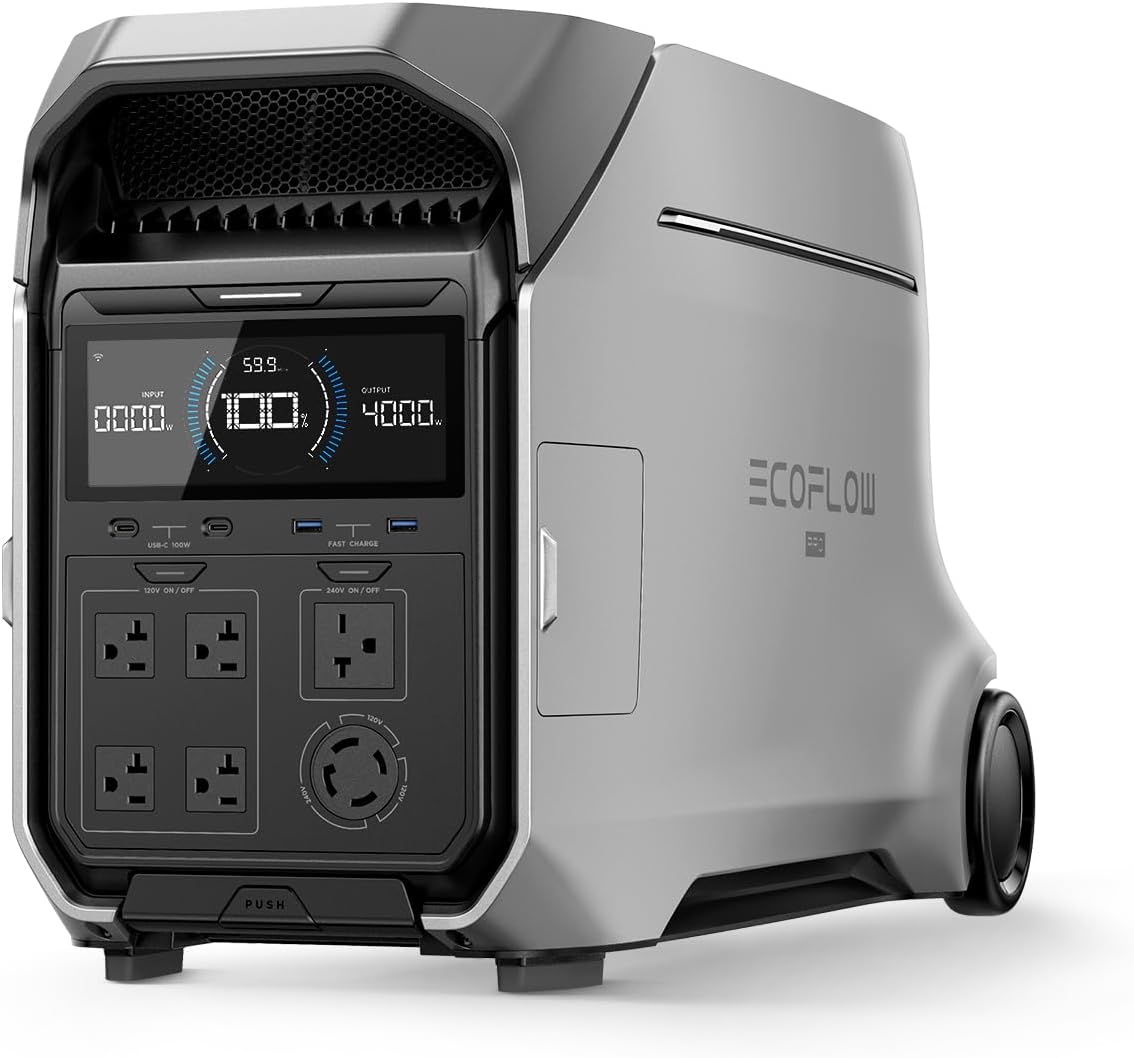
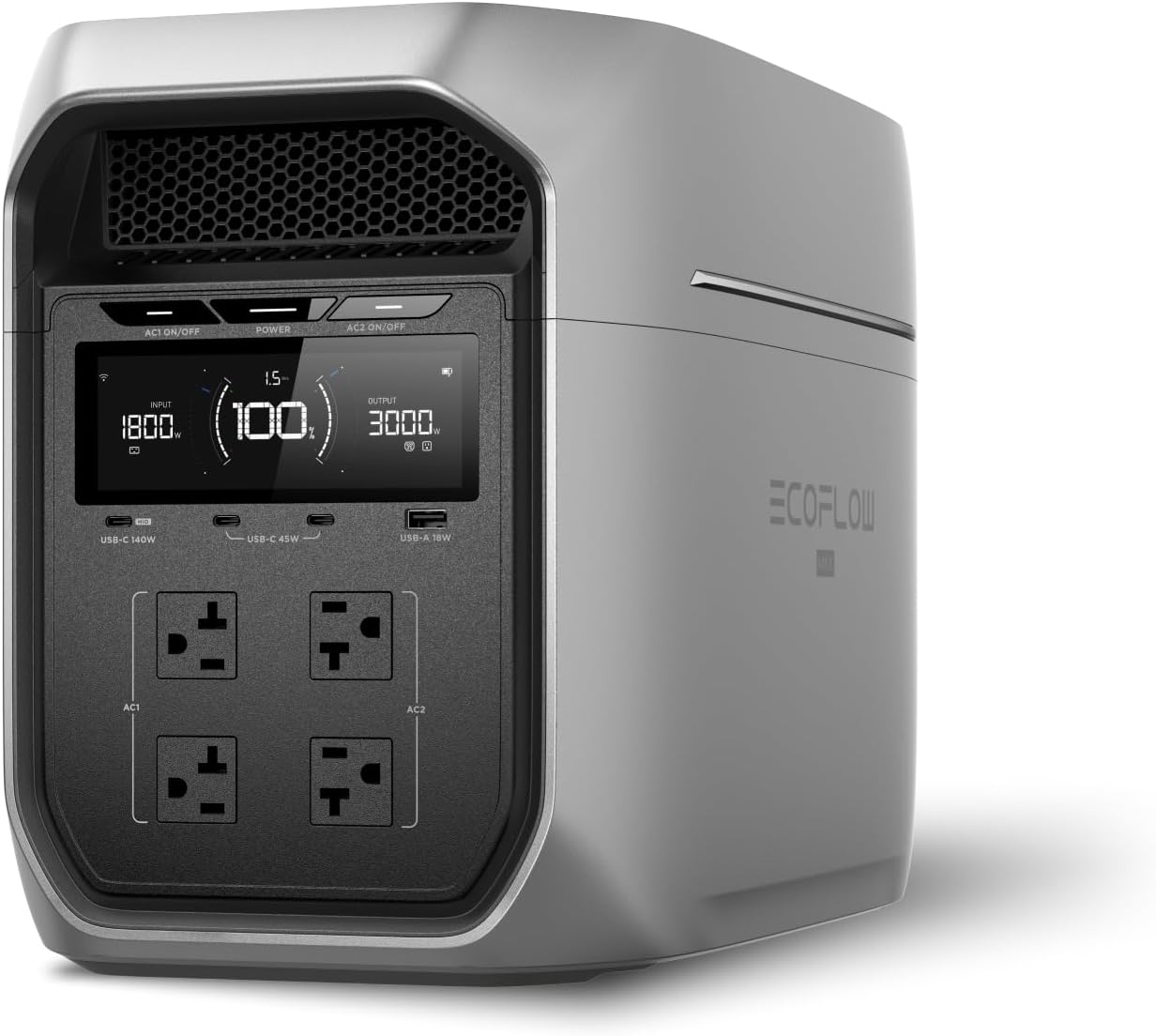
Best Overall: EcoFlow DELTA 3 Plus
- Capacity: 1024Wh
- Output: 1800W continuous
- Runtime at 112W: ~7.8 hours
- UPS switchover: Under 10ms
- Price: $649
The DELTA 3 Plus checks every box. Its UPS mode is among the fastest in the portable power station class at under 10 milliseconds — fast enough for desktops, not just laptops. Six AC outlets accommodate an office setup with room to spare. LFP battery with 4,000+ cycle rating means this will last years of regular use. The fan stays quiet under the light loads a home office produces. It charges from 0 to full in under 56 minutes via wall power, so you can top it off during a lunch break if needed.
Best Value: Anker SOLIX C1000
- Capacity: 1056Wh
- Output: 1800W continuous
- Runtime at 112W: ~8.0 hours
- UPS switchover: Under 20ms
- Price: $699
The C1000 offers slightly more capacity than the DELTA 3 Plus with the same 1800W output and six AC outlets. Its UPS mode switches over in under 20ms, which is fine for laptops and most desktop setups. The standout feature is charging speed — 0 to 100% in 58 minutes via wall outlet. Anker’s app control is polished and intuitive. At $699, it’s competitive with anything in this capacity class.
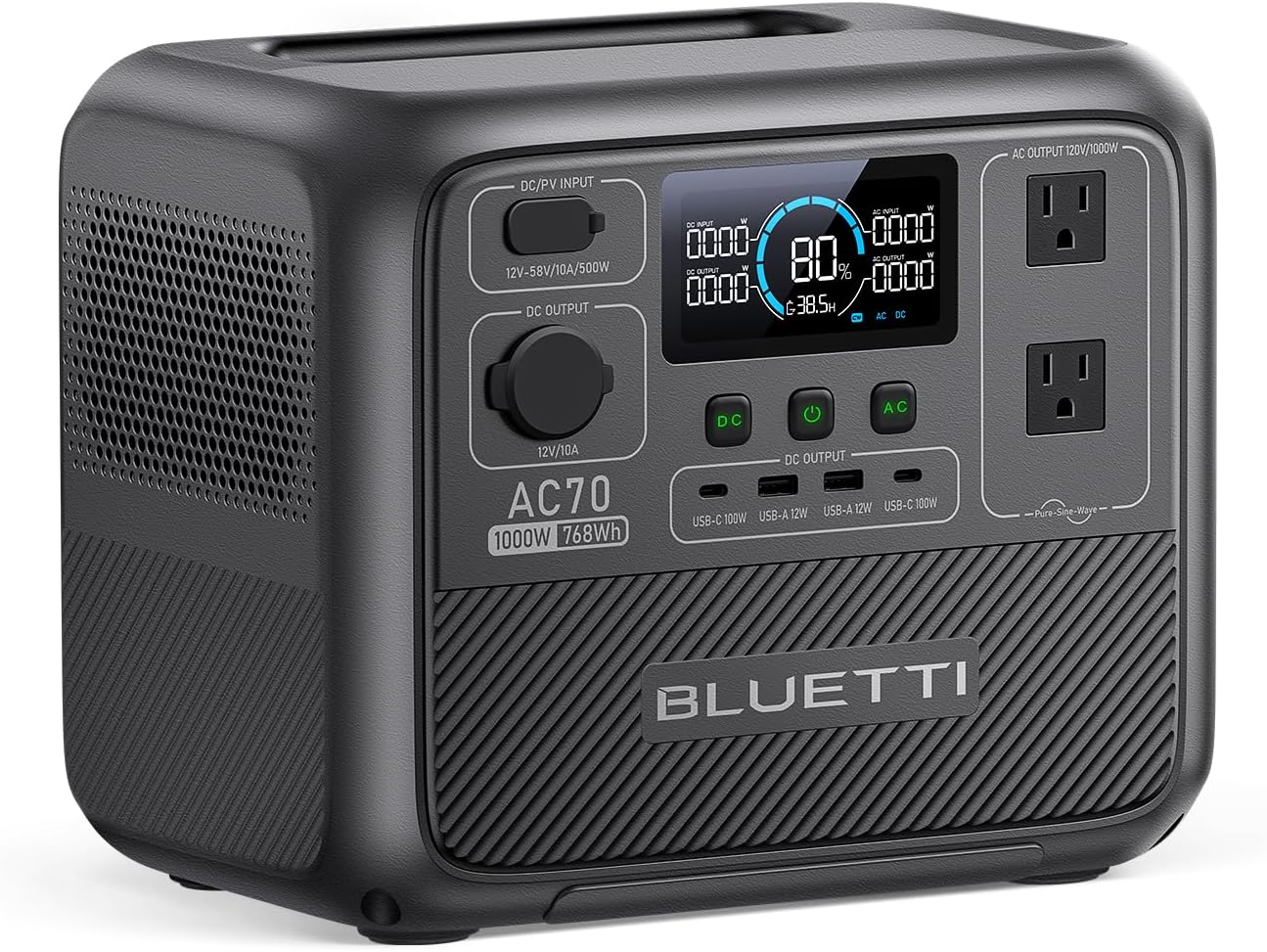
Budget Pick: Bluetti AC70
- Capacity: 768Wh
- Output: 1000W continuous (2000W with Power Lifting)
- Runtime at 112W: ~5.8 hours
- UPS switchover: Not available
- Price: $499
The AC70 trades UPS mode for a lower price and lighter weight. At 768Wh, it covers about 6 hours of office work — enough for most outages. The Power Lifting feature lets it handle devices up to 2000W if you need to plug in something heavier temporarily. Charging to 80% takes just 45 minutes. The trade-off: no UPS mode means you’ll have a brief interruption when switching to battery power. For laptop users, this doesn’t matter — your laptop battery handles the gap. For desktop users, consider the DELTA 3 Plus or C1000 instead.
Tips for Using a Power Station in Your Home Office
Keep it charged. Set a weekly reminder to check the charge level, or just leave it plugged in with UPS mode active. Most stations with UPS mode manage their own battery health when plugged in continuously.
Skip the monitor if runtime matters. If you’re trying to stretch an outage, your laptop screen works fine. Dropping the external monitor saves 25-35W, extending your runtime by roughly 25%.
Use USB-C for your laptop when possible. Some stations deliver power more efficiently through USB-C PD than through the AC inverter, since you skip the DC-to-AC-to-DC conversion. Check if your laptop supports USB-C charging.
Position the station on a hard surface with clearance. Not on carpet, not crammed in a desk hutch. The fans need airflow, especially during an extended workday.
For apartment dwellers who can’t run a generator, a power station is really the only practical option. See our full guide on power stations for apartment dwellers for more space-saving tips.
The Bottom Line
A 1000Wh power station with UPS mode turns a power outage from a work emergency into a minor inconvenience. You’ll keep your laptop, monitor, router, and phone running for a full workday without missing a beat.
The EcoFlow DELTA 3 Plus is our top pick for the fastest UPS switchover and best overall feature set. The Anker SOLIX C1000 is the value play with slightly more capacity. And the Bluetti AC70 works perfectly for laptop users who don’t need UPS mode.
Browse our full power station rankings to compare specs and prices side by side.
Related Reading
- Power Station for Apartment Dwellers — backup power when you can’t use a generator
- How Much Power Does Your Home Actually Use? — calculate your household’s real consumption
- What Can a 1000Wh Power Station Actually Run? — real-world runtime breakdowns for common devices
- Portable Power Station Safety Guide — indoor use rules and best practices
Recommended Power Stations
EcoFlow
EcoFlow DELTA 3 Plus
EcoFlow's newest mid-range flagship. The DELTA 3 Plus improves on the Delta 2 with faster charging, LiFePO4 chemistry, and UPS functionality — all at a lower price.
Frequently Asked Questions
How many watts does a home office use?
A typical home office draws about 100-130W: laptop (50-65W), external monitor (25-35W), Wi-Fi router (10-20W), and a desk lamp (8-12W). If you add a desktop PC instead of a laptop, expect 200-350W depending on the build. Phone charging adds another 10-15W. Knowing your exact load is critical for calculating how long a power station will keep you working.
Can a power station replace a UPS for home office use?
Some can. Power stations with UPS mode (like the EcoFlow DELTA 3 Plus and Anker SOLIX C1000) provide automatic switchover when wall power drops — typically within 10-20ms. This is fast enough for most electronics but may not protect against data loss on desktop PCs as effectively as a dedicated UPS with sub-5ms switchover. For laptops, UPS mode on a power station works perfectly since the laptop battery bridges any gap.
How long will a 1000Wh power station run a home office?
A 1000Wh power station will run a typical laptop-based home office (112W total draw) for approximately 7-8 hours of real-world use, accounting for inverter efficiency losses. That's a full workday for most people. If you only need your laptop and router (about 75W), runtime extends to roughly 10 hours.
Do I need pure sine wave output for a home office?
Yes. Pure sine wave output is essential for sensitive electronics like laptops, monitors, and routers. All quality power stations from major brands produce pure sine wave AC power. Modified sine wave can cause buzzing in audio equipment, overheating in power adapters, and visual artifacts on monitors. Every station recommended in this guide outputs pure sine wave.
Ready to Buy? Here's What We Recommend
Based on our testing and this guide, these are the best options for most people: